
Gaming Earbuds vs Normal Earbuds: What is Low Latency?
When you’re playing fast-paced mobile or PC games, even a split-second delay can decide whether you win or lose. If you’ve ever noticed that gunshots sound slightly delayed or footsteps don’t match what you see on screen, you’ve already experienced audio latency. That’s where gaming earbuds come in.
In this guide, I’ll break down gaming earbuds vs normal earbuds, explain what low latency really means, and help you decide what you should actually buy based on your needs.
Gaming Earbuds
Audio plays a huge role in gaming-especially in competitive titles like PUBG, Call of Duty Mobile, or Valorant. Many users think all earbuds are the same, but in reality, gaming earbuds are built differently.
The biggest difference? Latency.
Let’s start from the basics.
What is Low Latency?
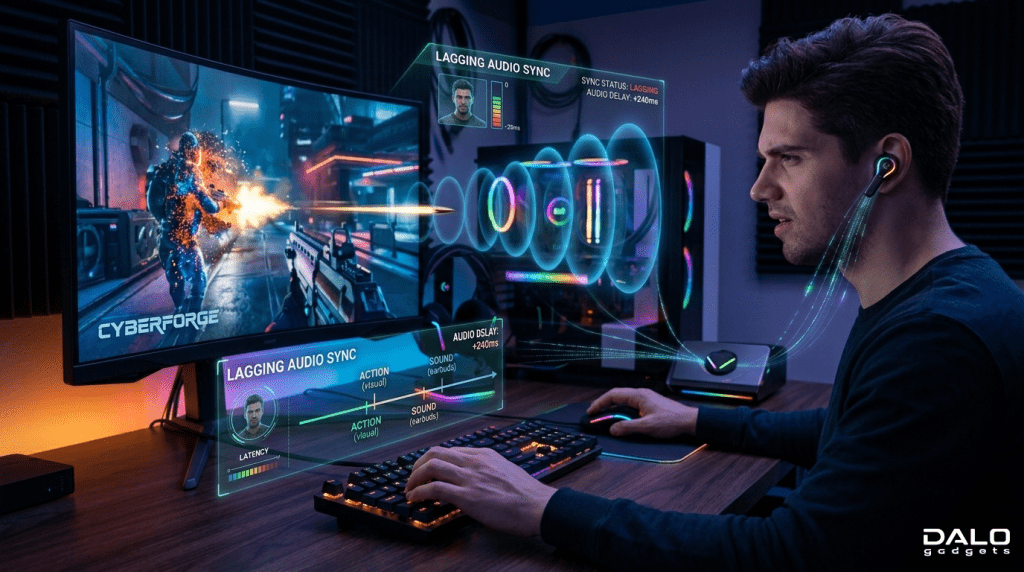
Low latency refers to the delay between when audio is generated (in-game action) and when you hear it in your earbuds.
Simple Example:
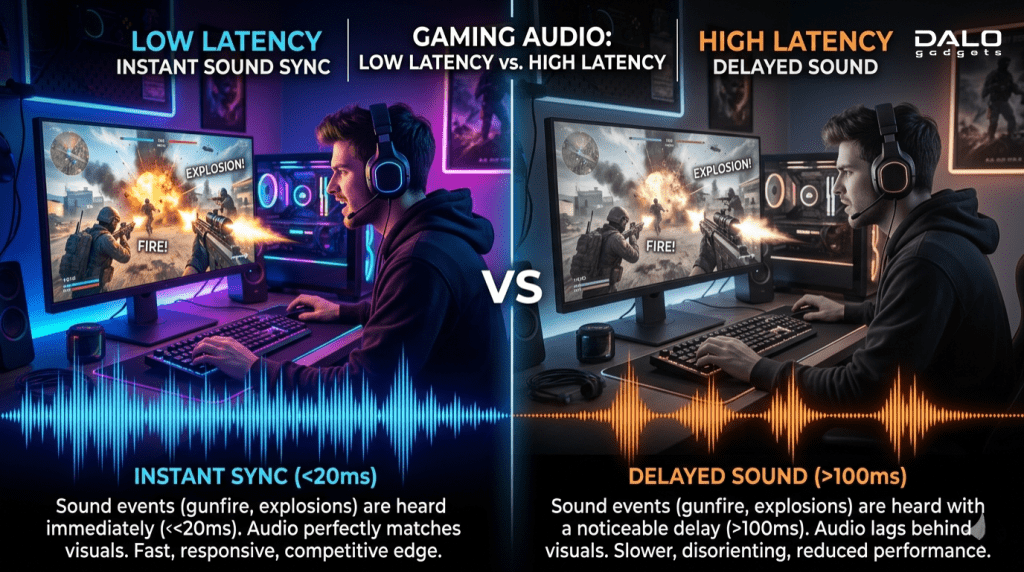
- You fire a gun in-game
- The sound should be instant
- If there’s delay – that’s high latency
- If it’s instant – that’s low latency
Measured In:
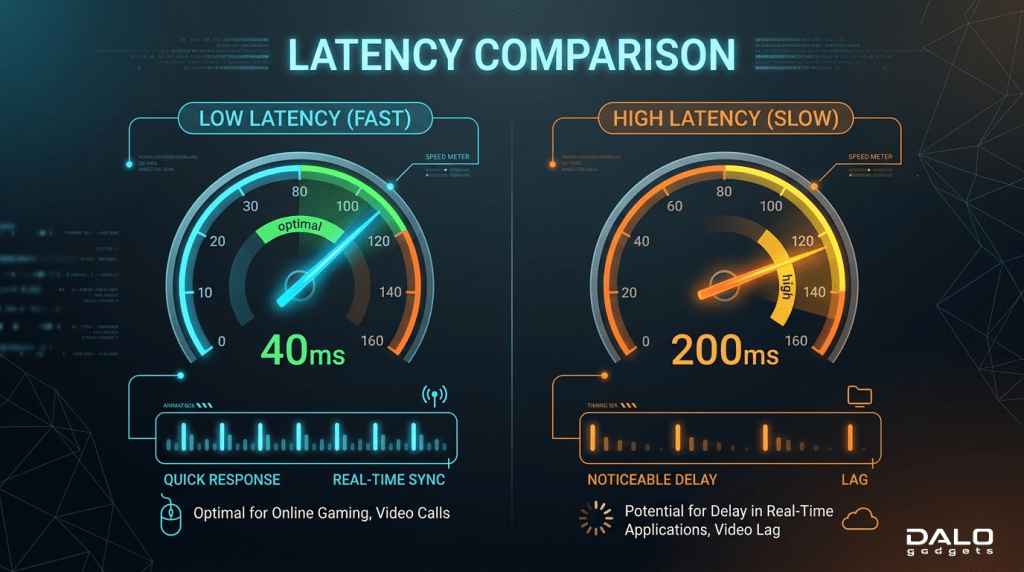
- Milliseconds (ms)
- Normal earbuds: 150ms – 300ms
- Gaming earbuds: 40ms – 80ms (or lower)
The lower the number, the better the performance.
Background & Evolution of Earbuds
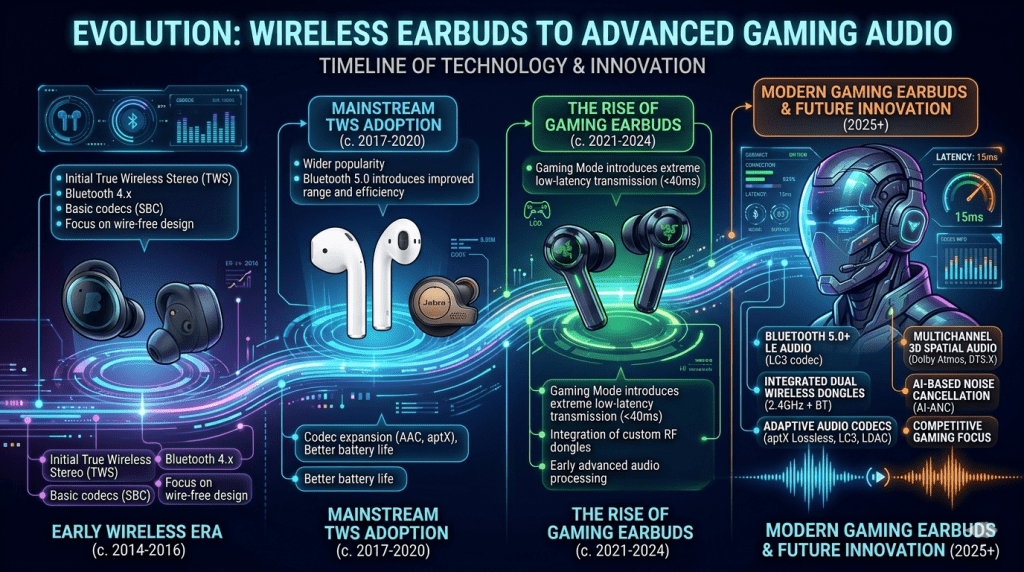
Wireless earbuds weren’t originally designed for gaming.
Early Days:
- Focus: Music & calls
- Latency: Not important
- Bluetooth versions: Slower (4.0, 4.1)
Evolution:
- Introduction of Bluetooth 5.0+
- Better codecs (AAC, aptX, LC3)
- Dedicated gaming modes
Today:
Gaming earbuds now include:
- Ultra-low latency modes
- Dedicated chips for synchronization
- Dual-channel transmission
Brands realized gamers needed real-time audio feedback, not just sound quality.
Types, Use Cases & Differences of Earbuds
Gaming Earbuds
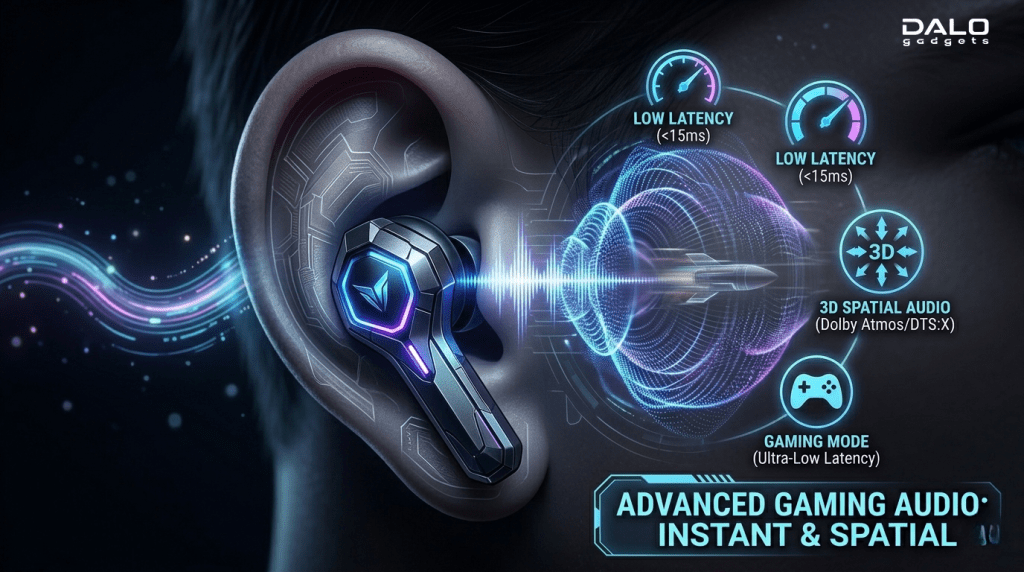
Features:
- Low latency mode (40–80ms)
- Better directional audio
- Gaming chip optimization
- RGB or gamer design (optional)
Best For:
- Competitive gaming
- FPS games (PUBG, COD, Valorant)
- Real-time reaction gameplay
Normal Earbuds

Features:
- Focus on sound quality
- Good bass and music tuning
- No gaming optimization
Best For:
- Music
- Calls
- Casual use
Key Differences
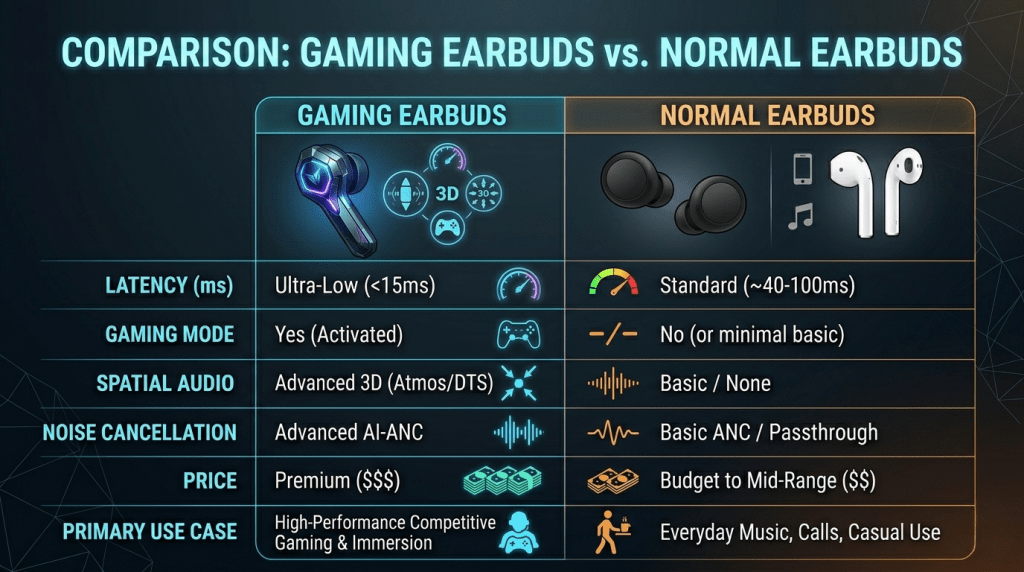
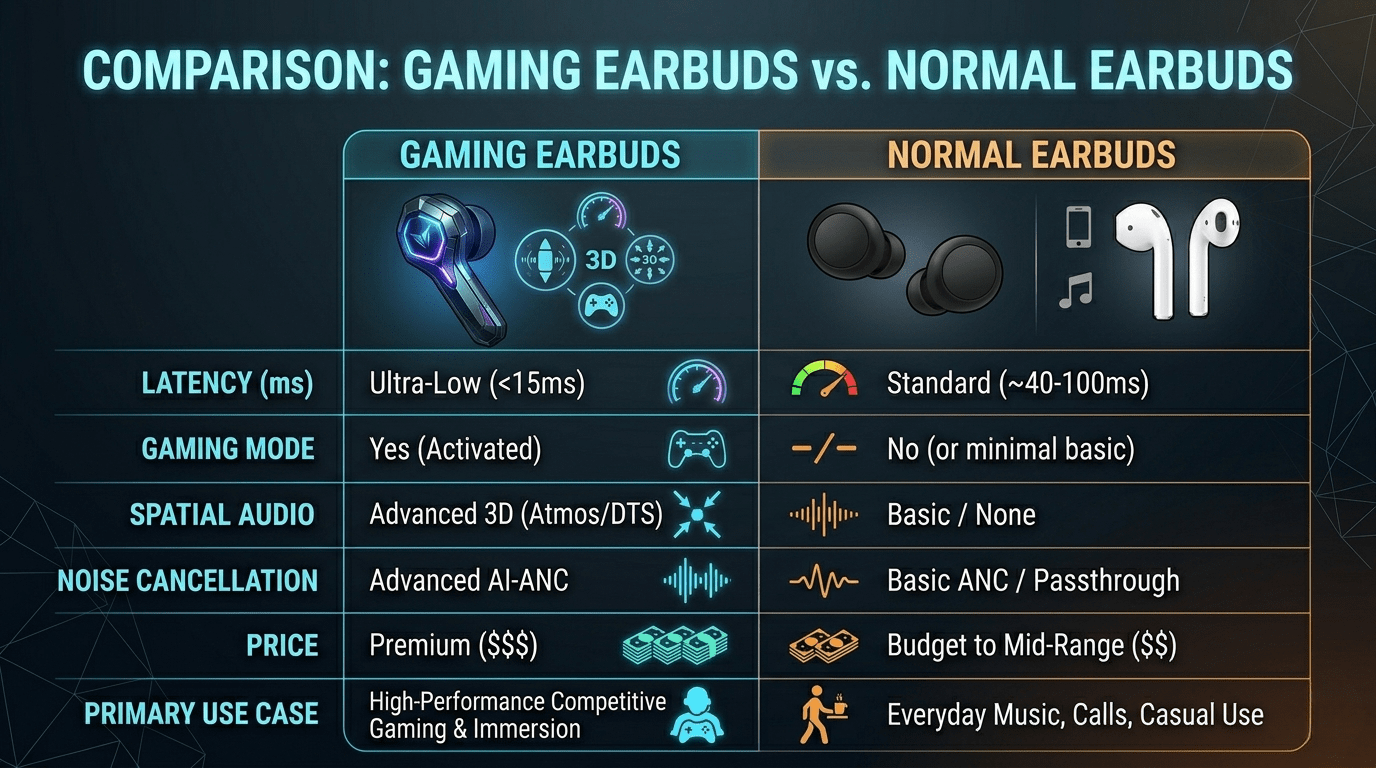
| Feature | Gaming Earbuds | Normal Earbuds |
| Latency | Very Low | Medium to High |
| Gaming Mode | Yes | No |
| Sound Sync | Real-time | Delayed |
| Price | Slightly higher | Budget-friendly |
| Use Case | Gaming | Music & Calls |
Why Low Latency Matters in Gaming
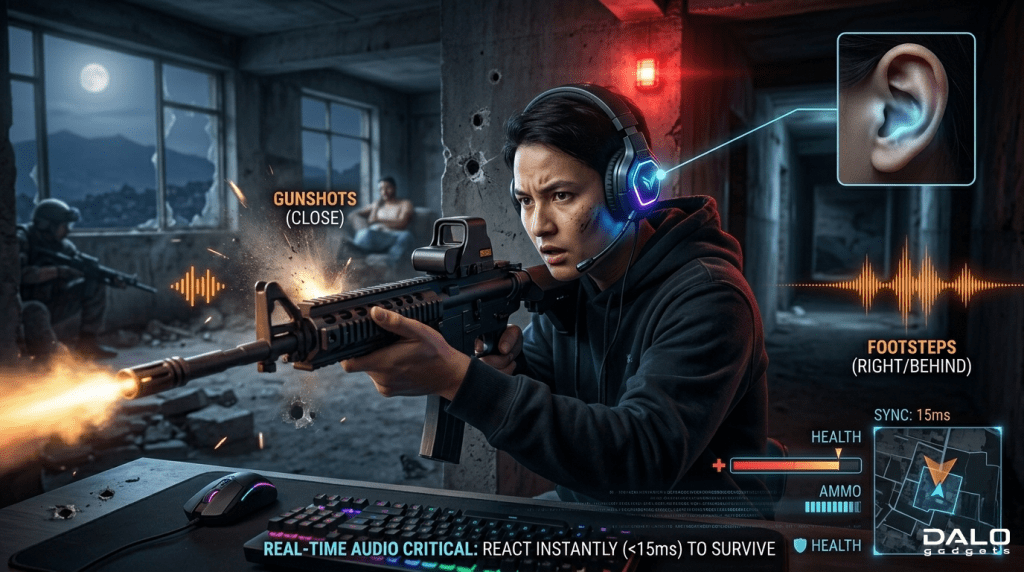
This is where things get serious.
1. Competitive Advantage
In FPS games, hearing footsteps early can give you a huge advantage.
2. Real-Time Gun Sync
If audio is delayed:
- You shoot – sound comes late
- Confuses your reaction timing
3. Better Brain Coordination
Your brain relies on audio + visuals together. Delay breaks that connection.
4. Immersive Experience
Low latency = more realistic gameplay.
High latency can literally make you lose matches.
Buying Guide (What You Must Know)
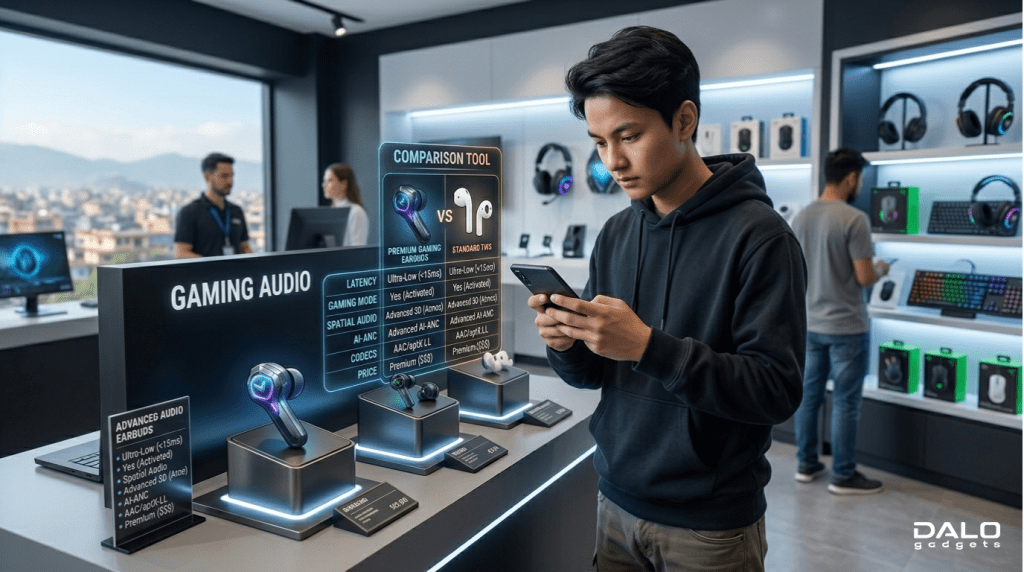
Before buying gaming earbuds, don’t just look at design or price. Focus on these:
1. Check Latency Level
- Look for: Under 80ms
- Ideal: 40-60ms
2. Gaming Mode
- Must have dedicated gaming mode
- Usually activated via touch or app
3. Bluetooth Version
- Minimum: Bluetooth 5.2
- Better stability & lower delay
4. Battery Life
- At least 4-6 hours per charge
- Gaming drains battery faster
5. Comfort & Fit
- Important for long gaming sessions
- Look for ergonomic design
6. Mic Quality
- Important for team communication
What NOT to Do
- Don’t buy earbuds just for bass
- Don’t trust fake “gaming” labels
- Avoid very cheap unknown brands
- Don’t ignore latency specs
How to Check Latency Yourself
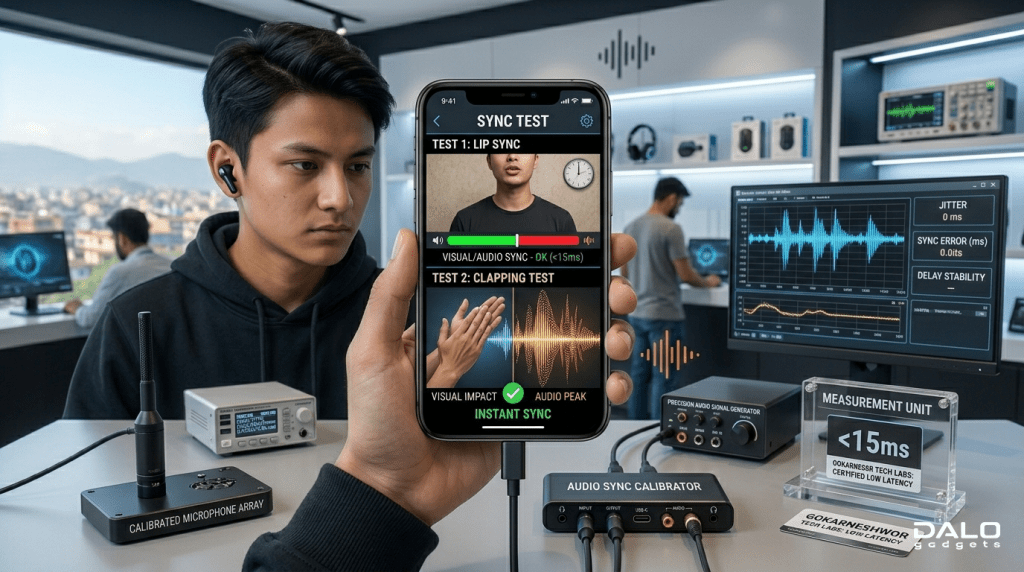
Try this simple test:
- Play a video with visible actions (like clapping)
- Watch lips or action
- If sound is delayed – high latency
Or:
- Use gaming – notice delay in gunshots or footsteps
Advantages & Disadvantages
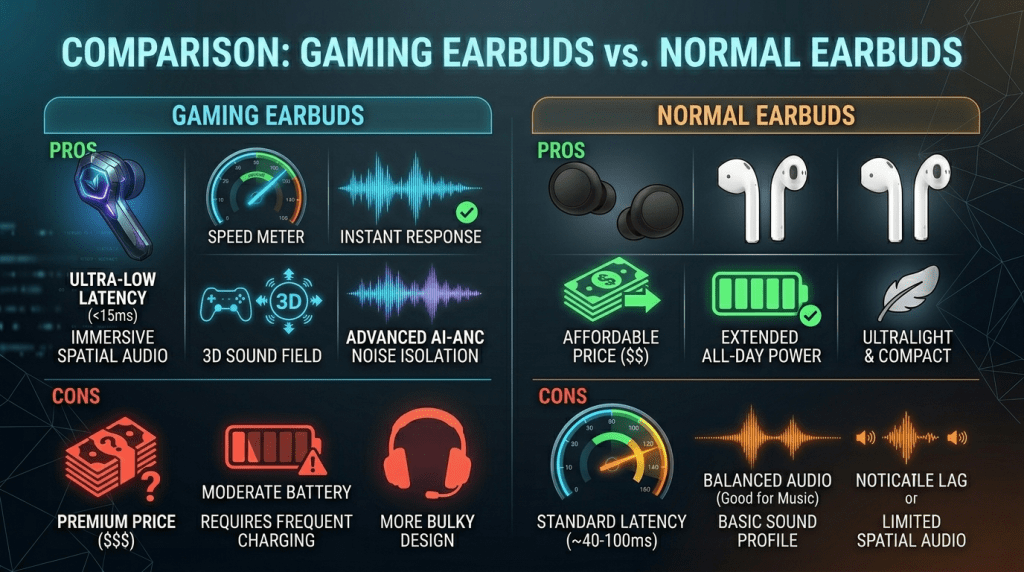
Advantages of Gaming Earbuds
- Ultra-low latency
- Better for competitive gaming
- Real-time audio sync
- Enhanced gaming experience
Disadvantages
- Slightly more expensive
- Sometimes average music quality
- Gaming mode drains battery faster
Advantages of Normal Earbuds
- Better music tuning
- More affordable
- Longer battery life
Disadvantages
- High latency
- Not suitable for gaming
- Audio delay issues
Conclusion
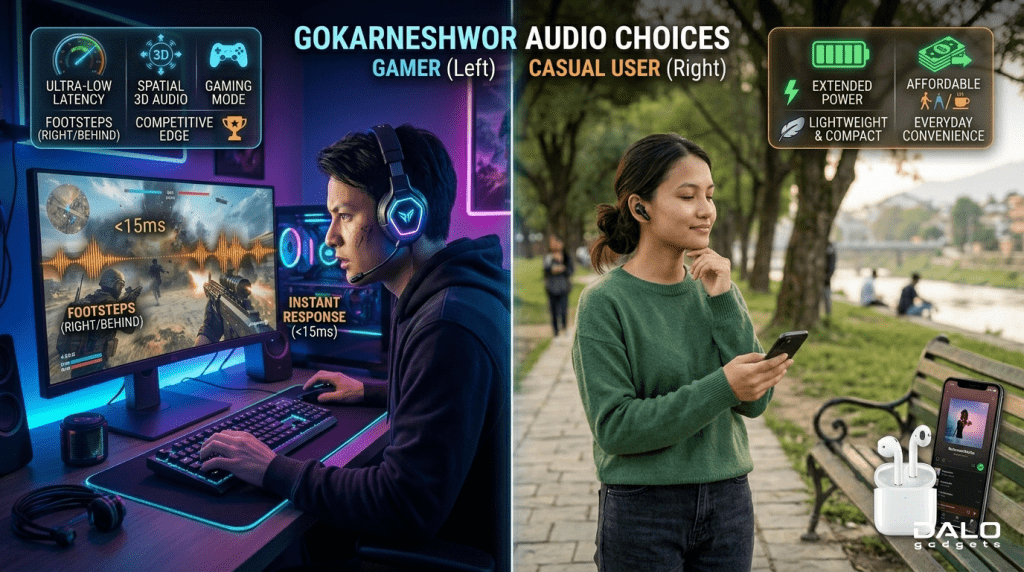
So, gaming earbuds vs normal earbuds-which one should you choose?
If you:
- Play competitive games
- Want real-time audio
- Care about performance
Gaming earbuds are 100% worth it
But if you:
- Mostly listen to music
- Watch videos
- Play casually
Normal earbuds will still work fine.
Final Thought:
Low latency isn’t just a feature-it’s a game-changing factor. Once you experience smooth, real-time audio, you won’t want to go back.
FAQ Section
What is considered good latency for gaming earbuds?
Anything below 80ms is good. Below 60ms is excellent.
Can I use normal earbuds for gaming?
Yes, but you’ll experience audio delay, especially in fast-paced games.
Do wired earbuds have latency?
Wired earbuds have almost zero latency, which is why pro gamers still use them.
Does Bluetooth version affect latency?
Yes. Newer versions like 5.2 and 5.3 offer lower latency and better stability.
Is low latency important for casual gamers?
Not as much-but once you notice delay, it becomes hard to ignore.