Display Resolution of Smartwatch, Smartphone, and Other Gadgets: 7 Proven Secrets for Stunning Clarity vs. Costly Mistakes
Display resolution terms when buying a smartwatch, smartphone, tablet, or even a laptop, this spec always stands out. Brands highlight it in big numbers: HD, Full HD, 2K, 4K. But what does it actually mean for your everyday use?
I’ve seen many people overspend on high-resolution displays they don’t fully benefit from, or worse, buy low-resolution devices and regret it later. This guide breaks everything down in a simple, practical way so you can make smarter decisions.
What is Display Resolution?
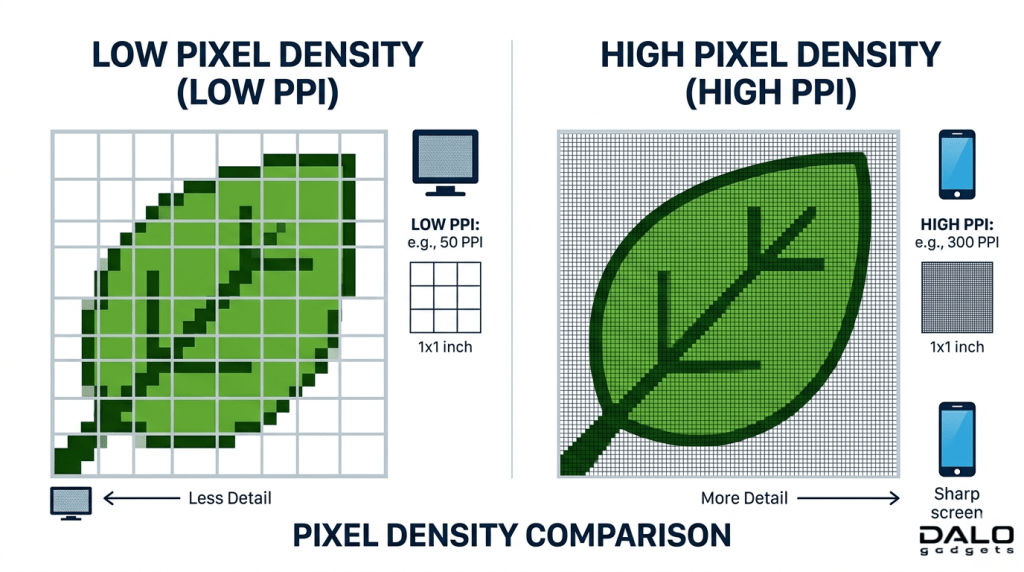
Display resolution refers to the number of pixels on a screen, usually written as:
Width × Height (e.g: 1920 × 1080)
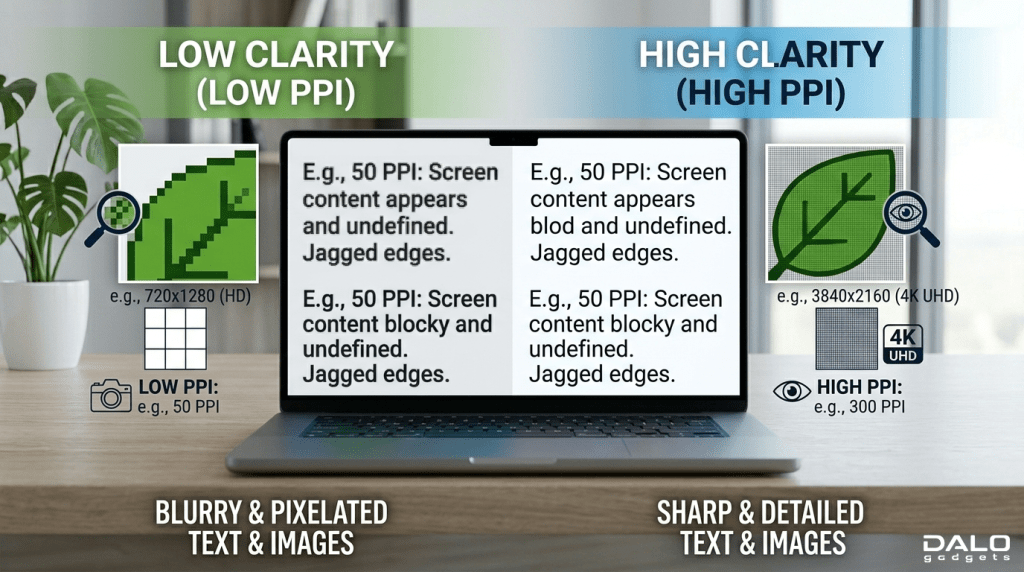
More pixels = sharper image.
Key Terms You Must Know:
- Pixels: Tiny dots that make up the display
- PPI (Pixels Per Inch): Pixel density, higher means sharper
- Aspect Ratio: Screen shape (1:1, 16:9, 20:9, etc.)
Simple Example:
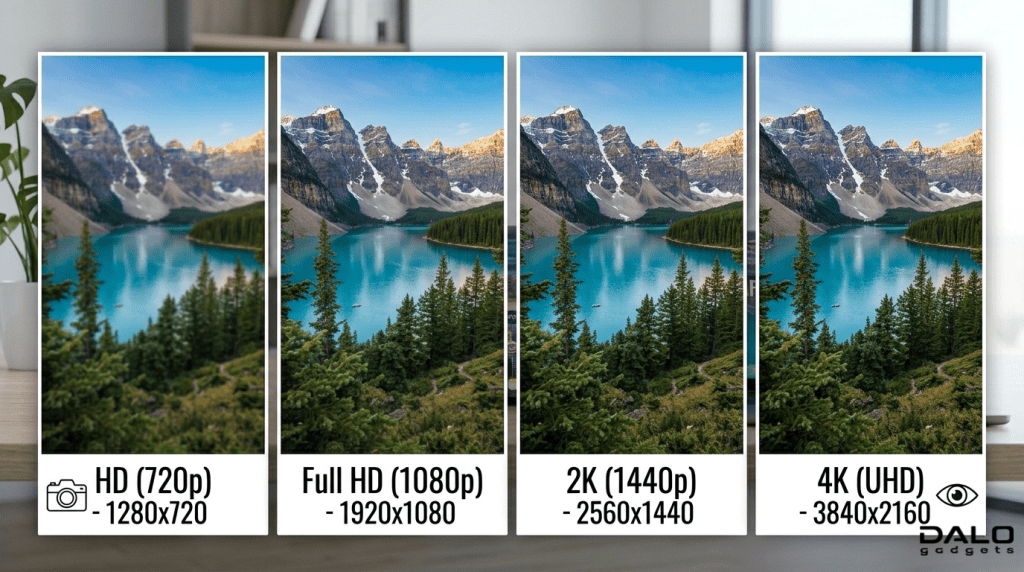
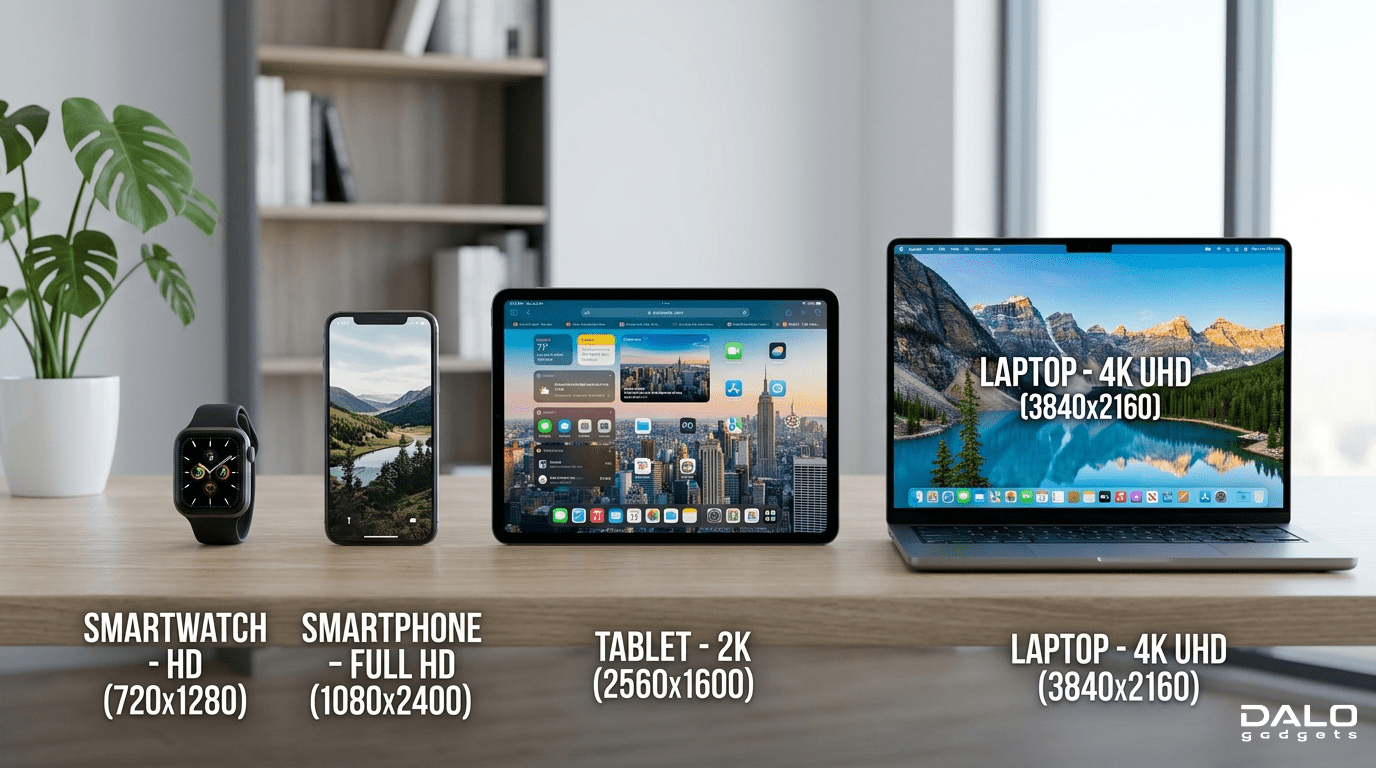
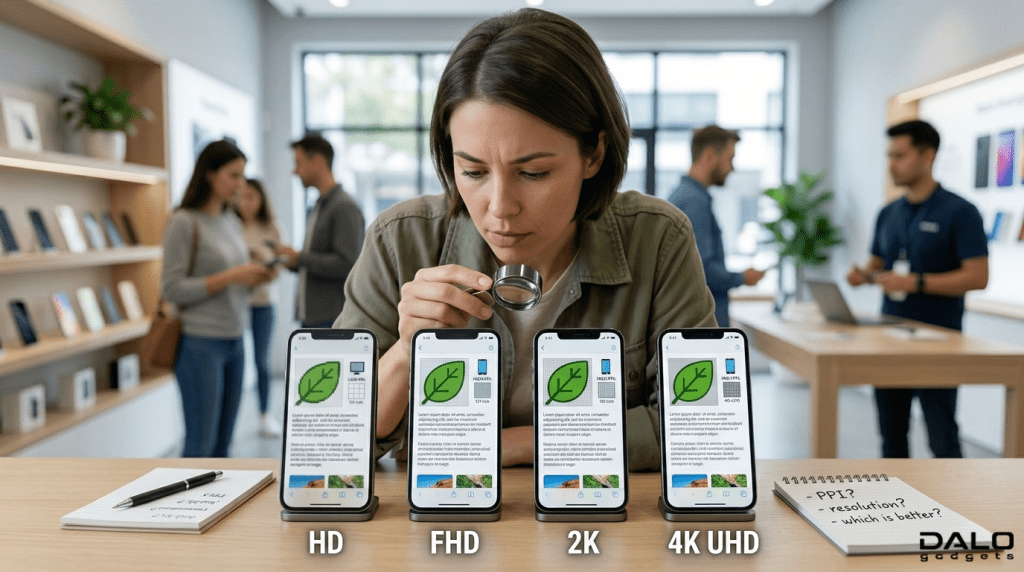
- 1280 * 720 (HD) = Basic clarity
- 1920 * 1080 (Full HD) = Sharp
- 2560 * 1440 (2K) = Very sharp
- 3840 * 2160 (4K) = Ultra sharp
For smaller screens like smartwatches, resolution matters differently compared to large displays.
Display Resolution History & Evolution of Display Resolution
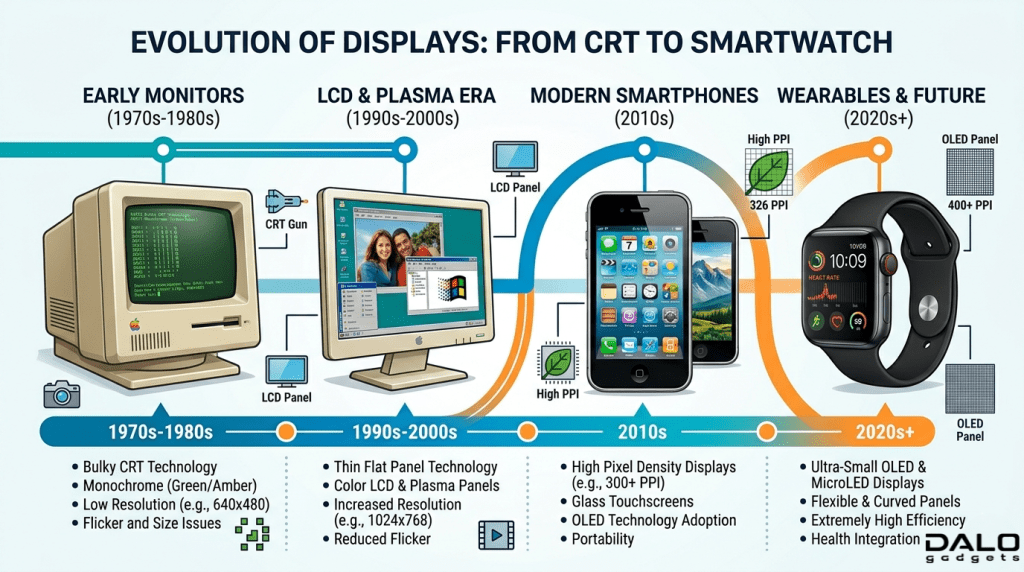
Display technology has evolved massively over the past two decades.
Early Days:
- CRT monitors had low resolutions like 640×480
- Early phones had tiny pixelated screens
Smartphone Revolution:
- Around 2010: HD displays became common
- 2013-2015: Full HD dominated
- Today: 2K and even 4K in premium phones
Smartwatch Evolution:
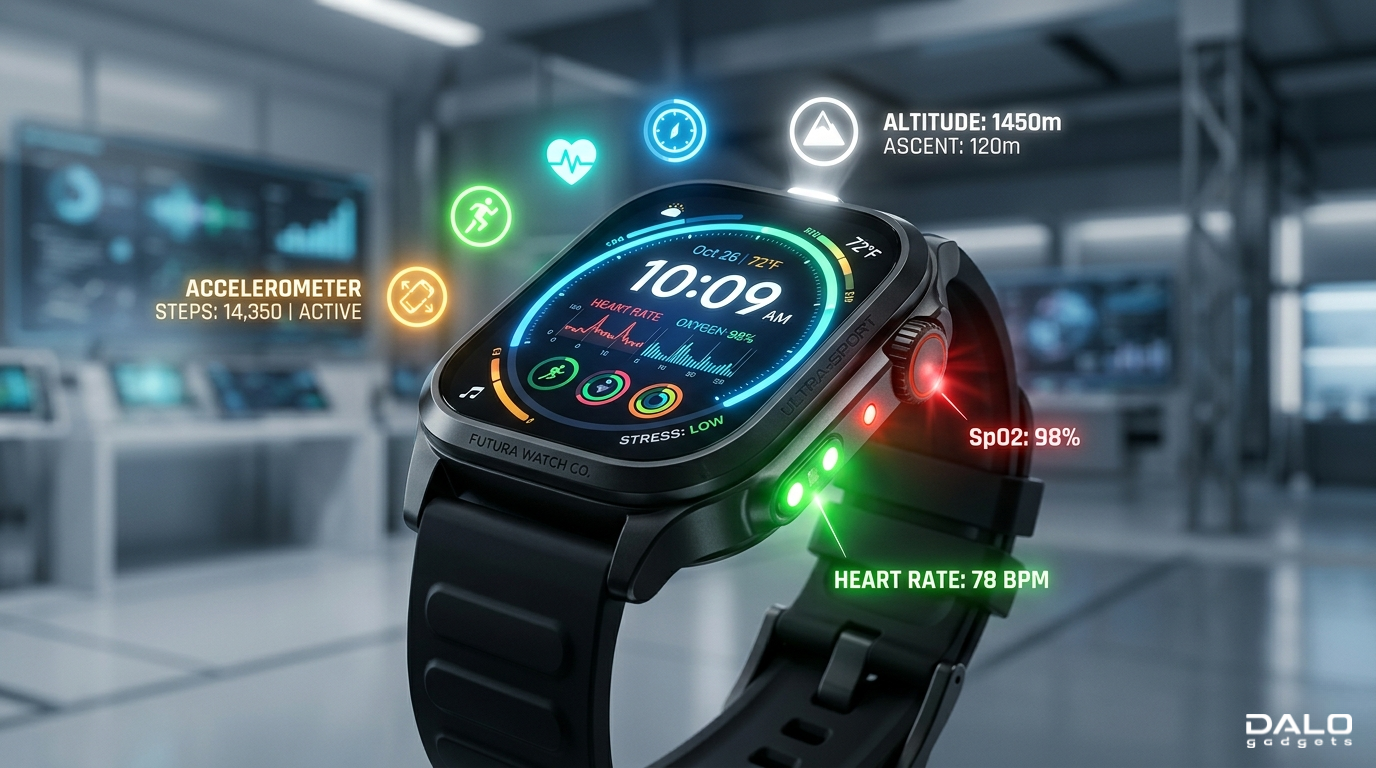
- Early smartwatches: basic monochrome or low-res LCD
- Modern watches: high PPI AMOLED displays
Key Shift:
The focus has moved from just resolution to resolution + efficiency + display quality
Types, Examples & How Resolution is Measured
Display Resolution Common Types Across Devices
1. Smartwatches
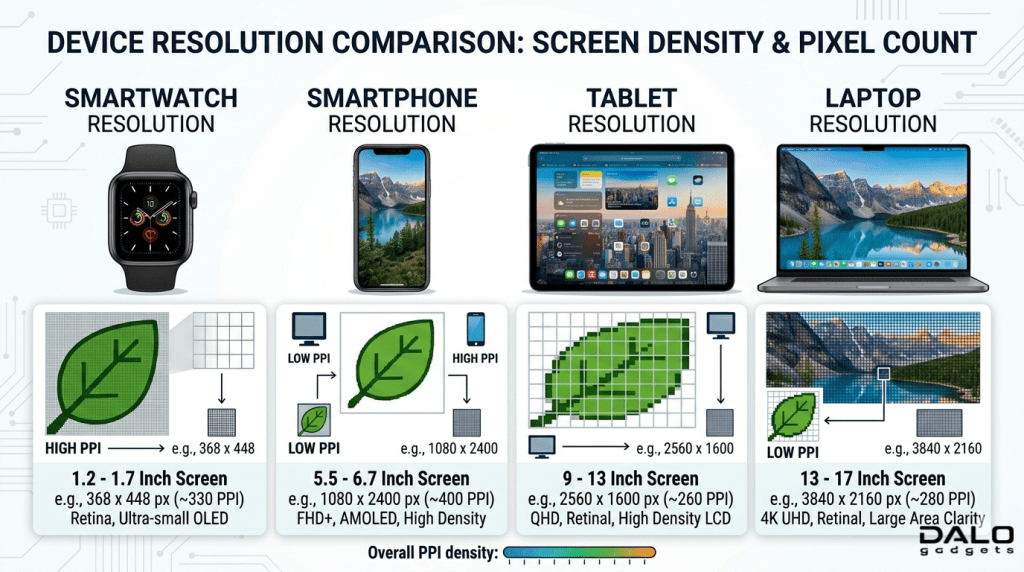
- Typical: 320×320, 360×360, 466×466
- Focus: High pixel density, not just resolution
2. Smartphones
- HD (720p): Budget devices
- Full HD (1080p): Mid-range standard
- 2K (1440p): Premium phones
- 4K: Rare, mostly for media enthusiasts
3. Tablets & Laptops
- Full HD is still common
- 2K/4K for creators and professionals
Top 5 Products with Excellent Display Resolution
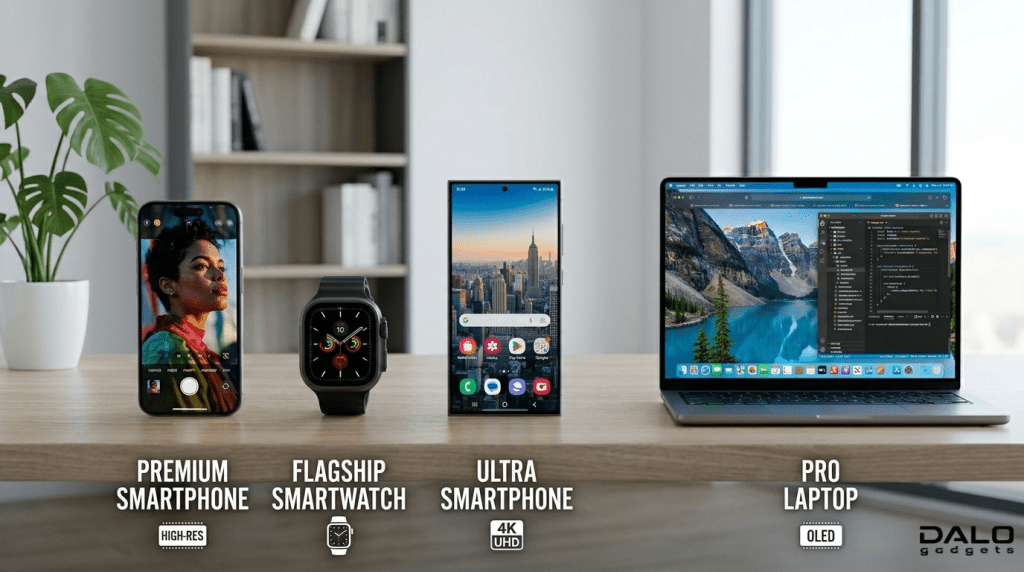
1. Apple Watch Series 9
- Resolution: ~396×484
- Extremely high PPI for wrist devices
- Crisp text and smooth UI
2. Samsung Galaxy S24 Ultra
- Resolution: 3120×1440 (QHD+)
- Stunning clarity with AMOLED panel
3. iPhone 15 Pro
- Resolution: 2556×1179
- Excellent color accuracy and sharpness
4. OnePlus 12
- Resolution: 2K AMOLED
- Great balance of clarity and performance
5. Samsung Galaxy Watch 6
- Resolution: 480×480
- One of the sharpest smartwatch displays
Why Display Resolution is Important
1. Visual Clarity
Higher resolution = sharper text, clearer images, better videos.
2. User Experience
- Reading becomes easier
- UI looks smoother
- Less eye strain
3. Content Consumption
Watching YouTube, Netflix, or gaming feels more immersive.
4. Professional Use
Designers, editors, and photographers benefit from high resolution.
5. Future-Proofing
Higher resolution devices stay relevant longer.
What You Should Do (Buying Guide + Mistakes to Avoid)
How to Choose the Right Resolution
1. Consider Screen Size
- Small screen (smartwatch): Focus on PPI
- Medium screen (phone): Full HD is enough for most users
- Large screen: Go for 2K or higher
2. Don’t Chase Numbers Blindly
A 4K display on a phone may not give noticeable benefits but will:
- Drain battery faster
- Increase cost
3. Balance Resolution with Battery Life
Higher resolution = more power consumption.
4. Check Display Type Too
Resolution alone isn’t enough. Combine it with:
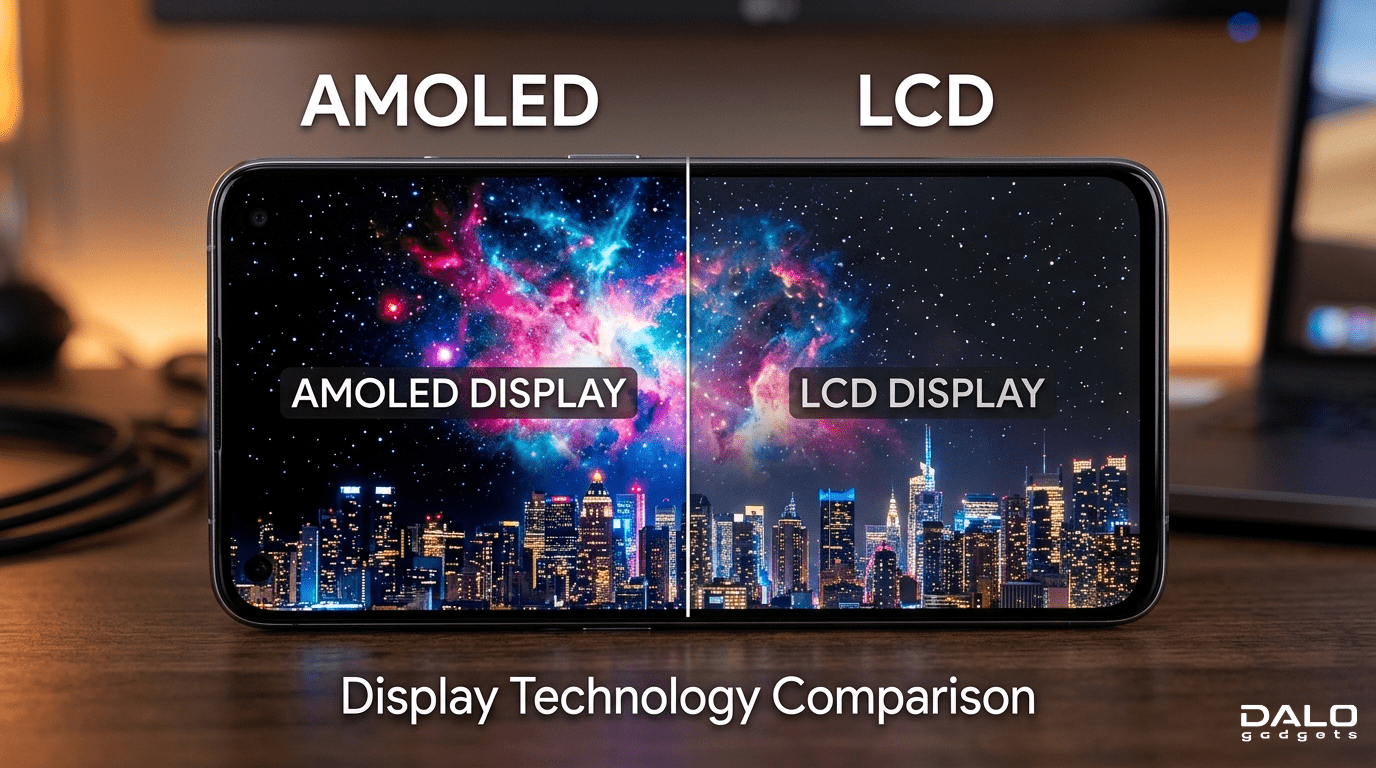
- AMOLED vs LCD
- Brightness (nits)
- Refresh rate (60Hz vs 120Hz)
5. Look at Real-World Use
Ask yourself:
- Do I watch a lot of videos?
- Do I game?
- Do I read frequently?
7 Proven Secrets for Stunning Clarity
1. Aim for High PPI, Not Just Resolution
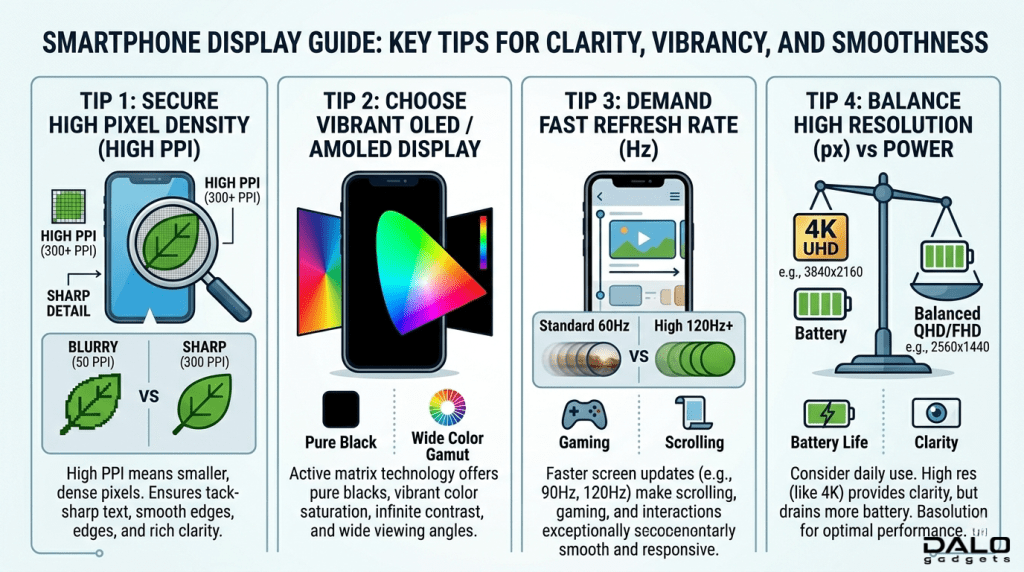
A smartwatch with lower resolution but high PPI can look sharper than a bigger screen.
2. Full HD is the Sweet Spot for Most Phones
You don’t always need 2K or 4K.
3. AMOLED + Good Resolution = Best Combo
Better colors + deep blacks.
4. Avoid Low Resolution on Large Screens
It causes pixelation and poor experience.
5. Check Scaling & Optimization
Some devices downscale resolution to save battery.
6. Refresh Rate Matters Too
120Hz + good resolution feels smoother than high resolution alone.
7. Test Before Buying (If Possible)
In-store experience often reveals more than specs.
Costly Mistakes to Avoid
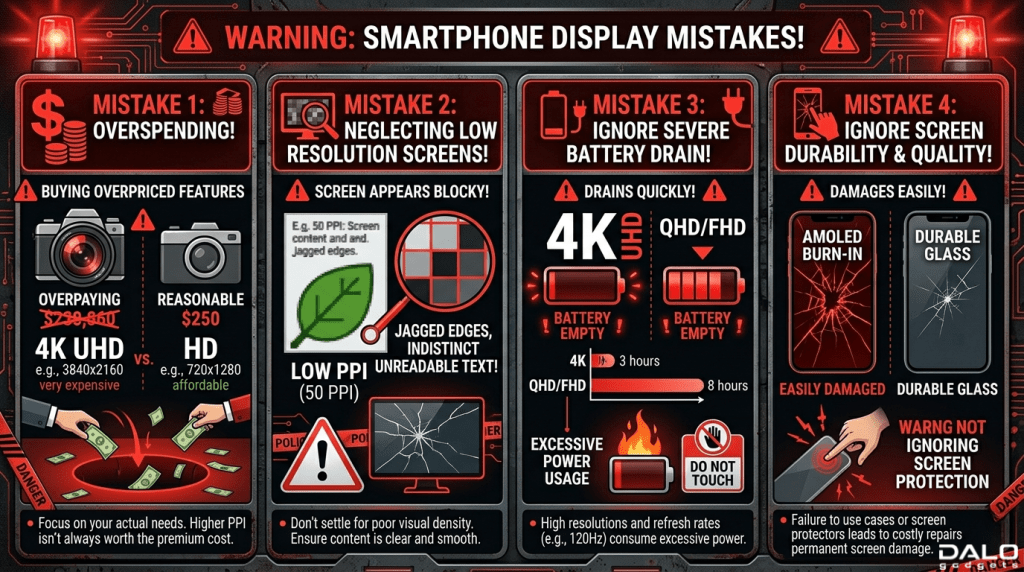
- Buying 4K phones expecting a huge difference
- Ignoring battery drain issues
- Choosing low-res smartwatches
- Focusing only on resolution, ignoring display type
- Overspending without real benefit
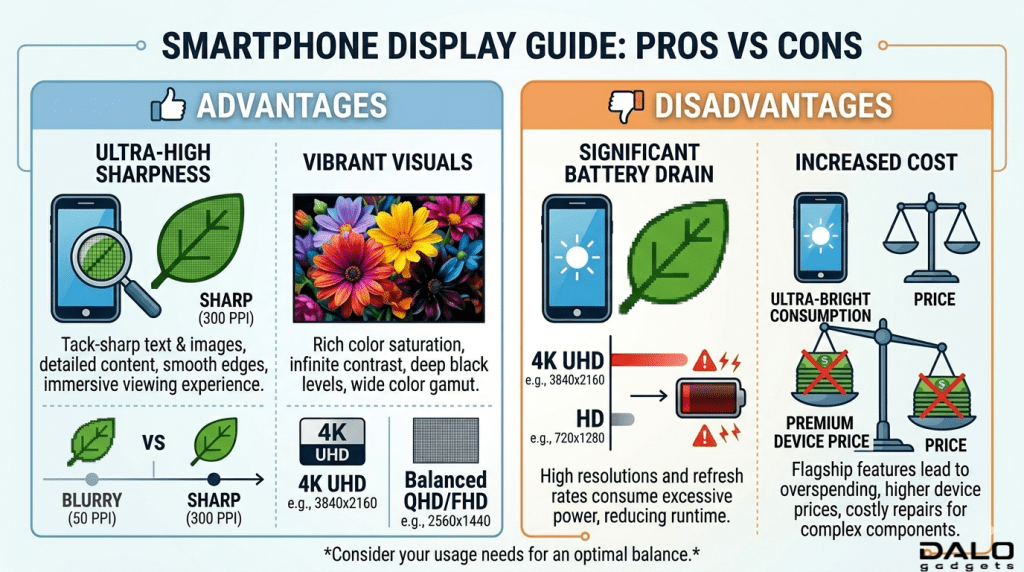
Advantages and Disadvantages of High-Resolution Displays
Advantages
- Sharper images and text
- Better video experience
- Premium feel
- Improved readability
Disadvantages
- Higher battery consumption
- Increased device cost
- Sometimes unnecessary for small screens
- Can impact performance in gaming
Display Resolution Conclusion
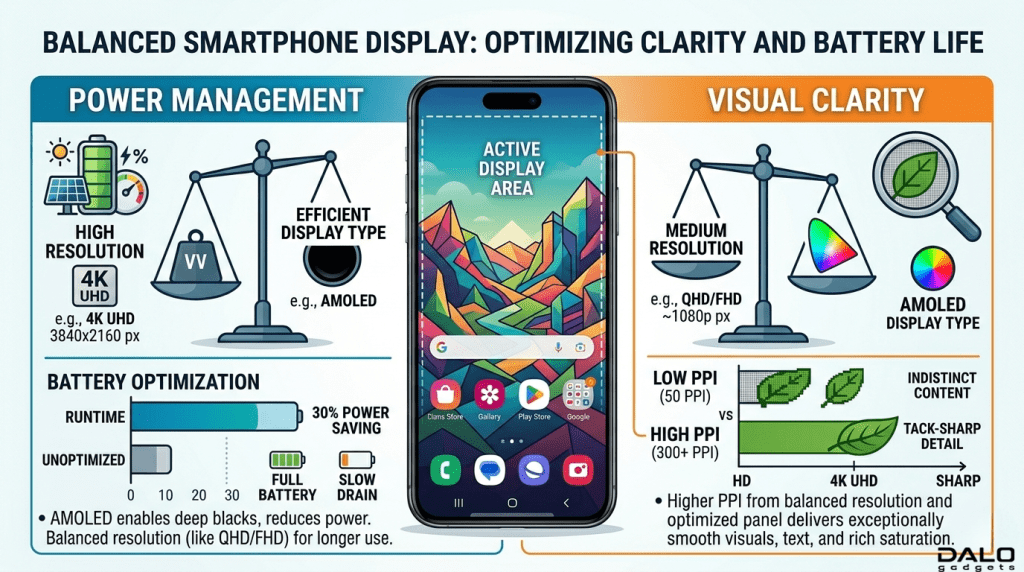
Display resolution is important, but it’s not everything. The smartest buyers focus on balance: resolution, screen size, display type, and battery life.
Here’s the simple takeaway:
- Smartwatch – prioritize PPI and clarity
- Smartphone- Full HD is enough, 2K for premium users
- Avoid overspending on specs you won’t notice
If you understand these fundamentals, you’ll avoid costly mistakes and get a device that actually fits your needs, not just impressive numbers on paper.
FAQ Section
1. Is higher resolution always better?
Not always. It depends on screen size and usage.
2. What resolution is best for smartphones?
Full HD (1080p) is ideal for most users. 2K is great for a premium experience.
3. Does resolution affect battery life?
Yes. Higher resolution consumes more power.
4. What matters more: resolution or PPI?
PPI matters more for small screens like smartwatches.
5. Is 4K necessary on a phone?
For most users, no. The difference is minimal.
6. What is a good smartwatch resolution?
Around 300×300 or higher with good PPI.
7. Does resolution affect gaming?
Yes. Higher resolution can reduce performance if the hardware isn’t strong.