
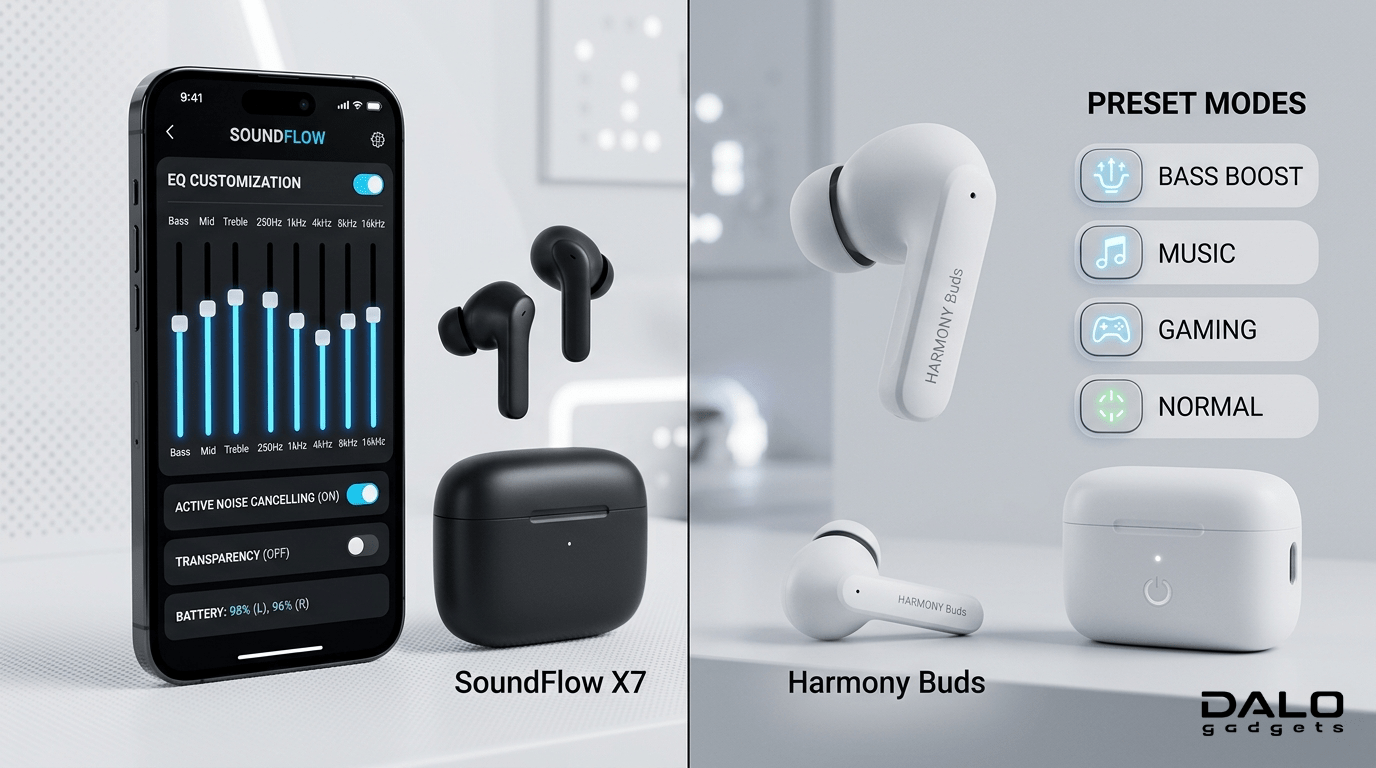
App Supported Earbuds vs Pre-Built EQ Earbuds
If you have ever heard and seen earbuds advertisements, some say ‘these earbuds support apps’ and others say ‘these earbuds have built-in EQ modes.’ What does its actual mean?
And you’ve ever compared two earbuds and wondered why one sounds “perfect” while another feels off, even at the same price, the answer often comes down to app support and EQ control.
In this guide, I’ll break it down simply, so you can choose the right earbuds for your needs.
What are App-Supported Earbuds?
App-supported earbuds are connected to a earbud’s mobile app (like JBL, Sony, Soundcore apps) that lets you control sound and features.
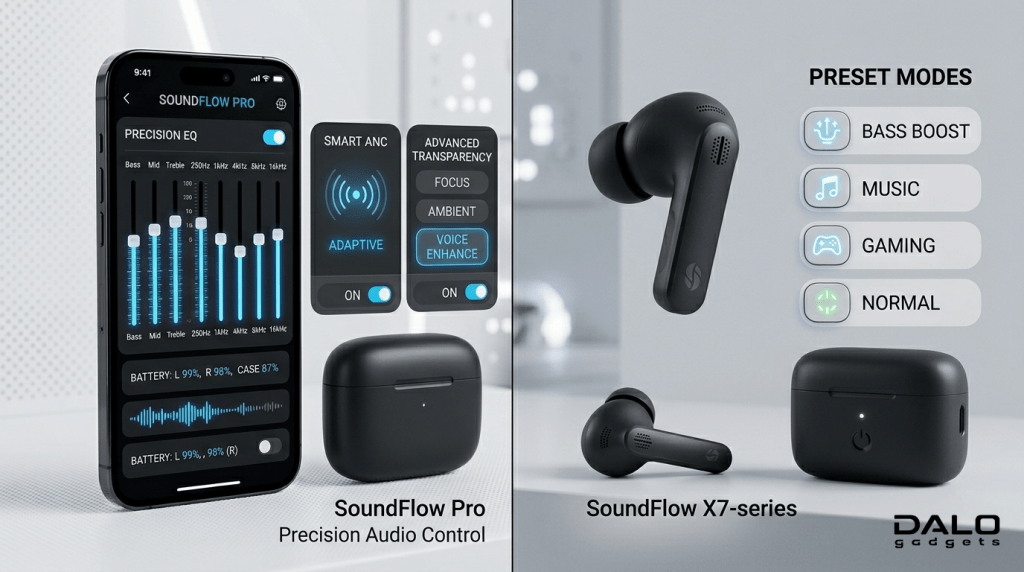
Key Features:
- Custom EQ (adjust bass, Stereo modes)
- ANC control ( Transparency mode, ANC ON, and ANC OFF)
- Touch control customization
- Software updates
- Sound personalization
- Find My devices (buds)
These apps let you change how your music sounds by making your own settings, instead of just using the default ones.
What Are Non-App Supported Pre-Built EQ Earbuds?
- These earbuds do NOT have their own app
- These earbuds offer fixed or limited EQ modes (like Bass, music, Game Mode)
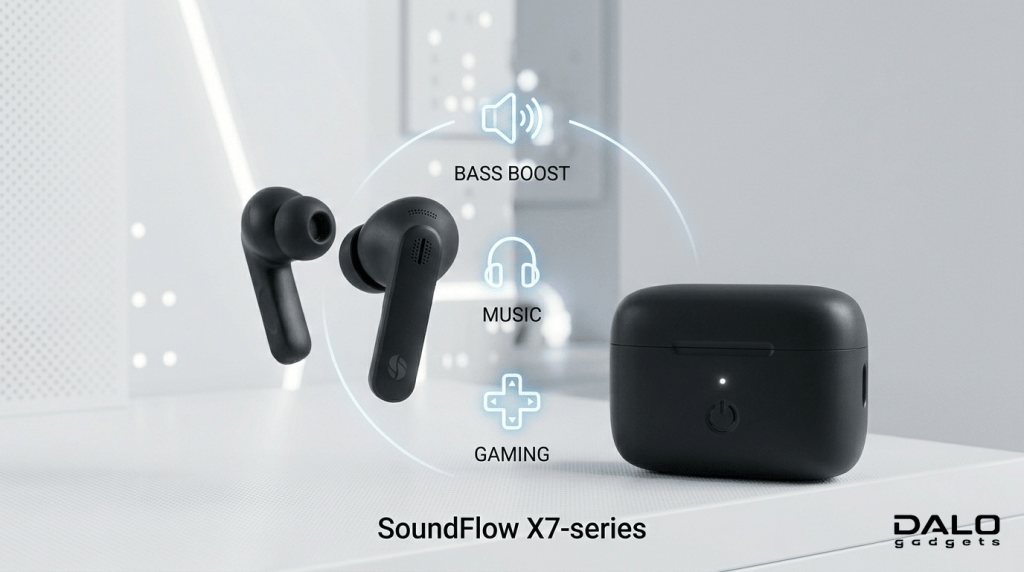
You simply choose a mode, no deep customization.
For example:
- Music Mode
- Gaming Mode
- Bass Mode
History & Background Of App Supported Earbuds vs Pre-Built EQ Earbuds
First-gen earbuds (before 2018-2019)
- These earbuds had no apps
- Fixed sound tuning
As wireless technology improved, brands introduced:
- Companion owns earbuds apps
- Personalized sound tuning
- Software upgrades
Today, premium earbuds need apps to use all their features.
Even budget segment brands are adding app support because:
- Users want full control
- Audio preferences vary widely
- Competition is high
Types, Examples & Use Cases
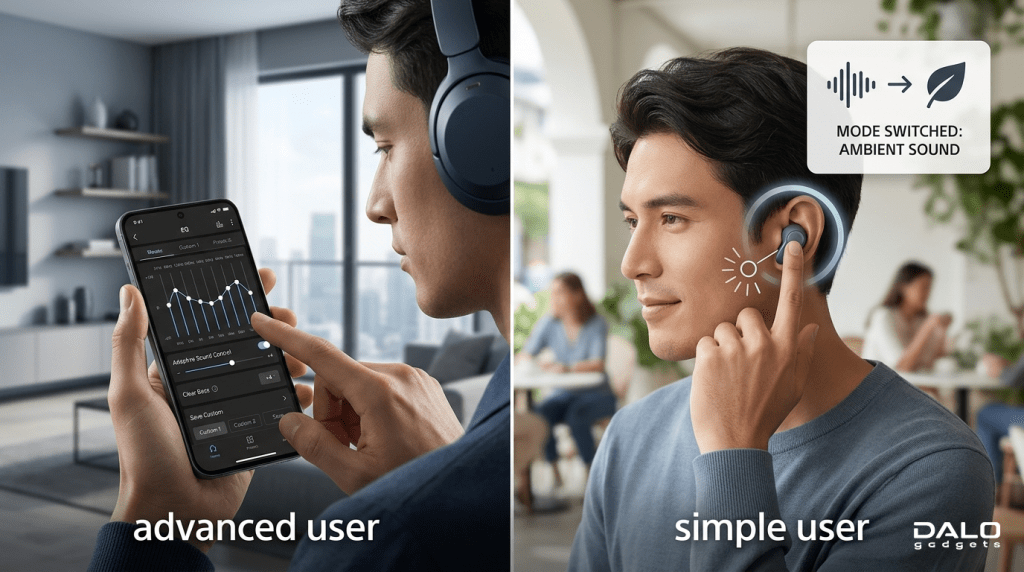
1. App Supported Earbuds (Advanced Users)
How They Work:
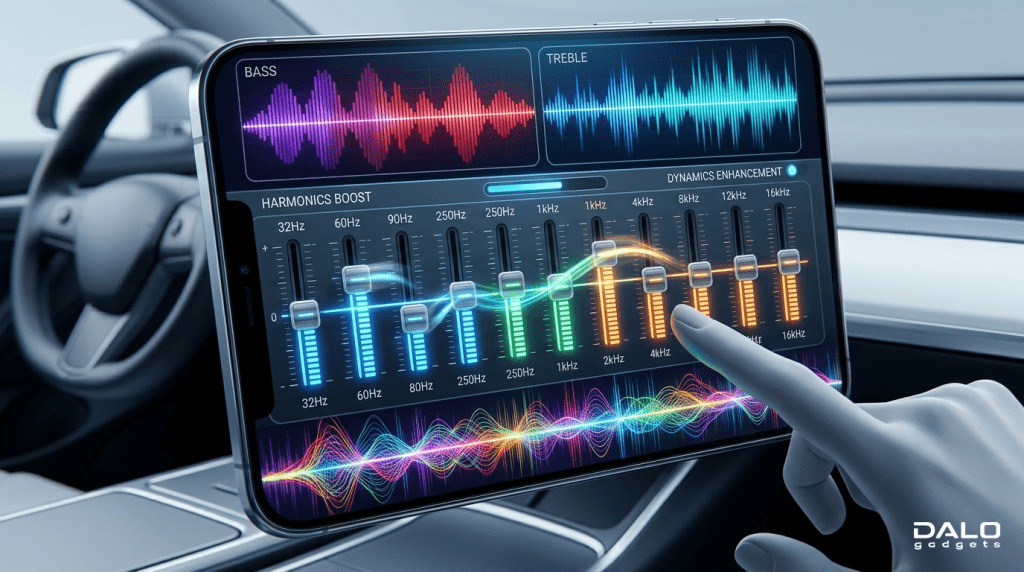
- Use the app to adjust frequencies manually
- Some offer 8-10 band EQ (or more)
Best For:
- Audiophiles
- Tech enthusiasts
- Gamers
- Content creators
2. Pre-Built EQ Earbuds (Simple Users)
How They Work:
- Select pre-built EQ modes (Bass Boost, music modes, etc.)
- No deep control
Best For:
- Casual users
- Budget buyers
- People who want “plug & play.”
3. Hybrid Approach (App + Presets)
Some earbuds offer:
- Presets + custom EQ
There are also third-party apps that can automatically set the best sound or custom EQ for many earbud models.
Why This Is Important
Two earbuds with similar looks and hardware can sound very different. Why?
Because:
- Sound tuning defines its quality
- Everyone’s preference is different in sound experiences
- Music genres are different (Bass vs vocals vs gaming)
Key Reason:
EQ lets you control how your music sounds. Without it, you’re stuck with how the company set it. It lets you fully customize everything.
Advantages & Disadvantages Of App Supported Earbuds vs Pre-Built EQ Earbuds
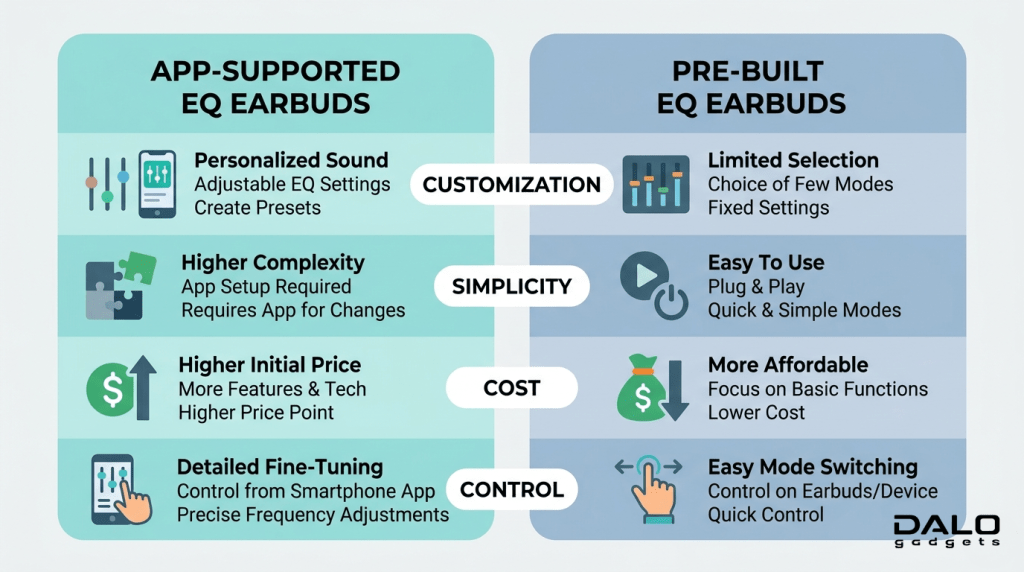
App-supported Earbuds
Advantages:
- Full sound customization
- Software updates improve performance
- Better long-term value
- Personalized listening experience
- Personalized settings
Disadvantages:
- Slightly complex for beginners
- Requires app installation
- For small changes, you need to open the app
- Sometimes, app bugs or issues
Pre-Built EQ Earbuds
Advantages:
- Easy to use
- No setup required
- Usually cheaper
- Stable experience
Disadvantages:
- No customization
- Limited sound control
- Can feel unbalanced for some users
Buying Guide (What You Must Know)

1. Check App Support First
Always check if earbuds have an app. Look for:
- Custom EQ
- Software updates
- Custom settings
2. EQ Type Matters
Basic:
- Basic EQ modes (like Bass, music, Game Mode)
Advanced:
- 5-10 band EQ or more
More bands mean better control.
3. Your Use Case
| Use Case | Best Choice |
| Music lovers | App-supported |
| Gaming | App-supported |
| Casual use | Pre-built EQ |
| Budget | Pre-built or hybrid |

4. Check Real Reviews
- Sometimes App exists but has limited EQ controls
- Sometimes built-in EQ are not well-tuned or, only bass boosted
5. Avoid This Mistake
Do not buy earbuds only based on:
- Brand
- Price
Instead:
- Check tuning options
- Check EQ support
6. Pro Tip (Important)
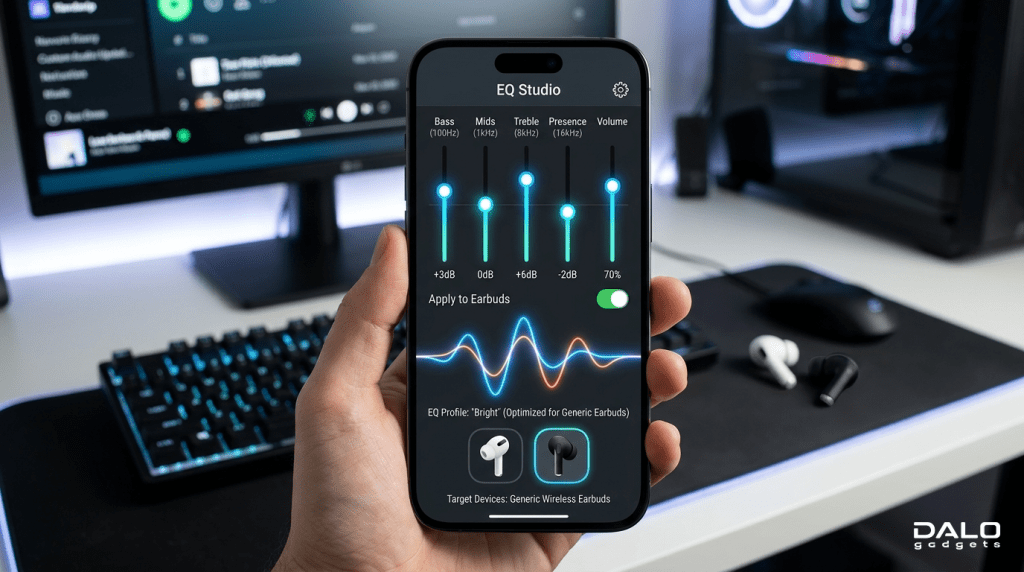
Even if earbuds don’t support an app:
You can still use third-party EQ apps like Wavelet:
- Works system-wide
- Improves sound quality significantly
Conclusion (Final Verdict)
Let’s simplify everything:
App-supported earbuds = Control, flexibility, and future-proof
Pre-Built EQ Earbuds = Simplicity and budget-friendly
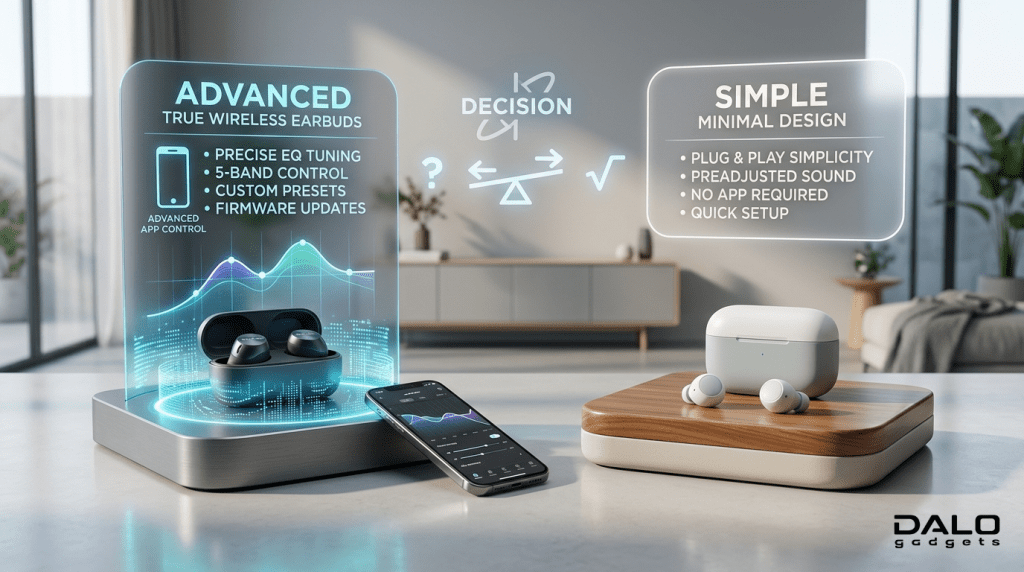
Honest opinion from us:
- If you care about sound, go for app-supported earbuds
- If you want simple usage, pre-built EQ is fine
Final Advice:
Spending a bit more for app support is worth it.
In the end, good earbuds plus the right sound settings give the best music experience.
FAQ Section
1. Which is better: App-supported or pre-built EQ earbuds?
App-supported earbuds are better for most users because they allow full customization.
2. Do EQ settings really improve sound?
Yes, significantly.
EQ adjusts frequency balance, which directly affects clarity and bass.
3. Are expensive earbuds always better?
Not always.
Even expensive earbuds can have limited EQ options.
4. Can I improve sound without an app?
Yes, by using third-party EQ apps.
5. Are preset EQ modes enough?
For casual users, yes.
For audiophiles, no.