
Brightness (Nits) vs Refresh Rate (Hz), When buying a smartphone or smartwatch, these two specs often confuse buyers: brightness (nits) and refresh rate (Hz). Both affect your screen experience, but in completely different ways.
One controls how well you see your screen under sunlight. The other decides how smooth everything feels while scrolling or gaming.
If you’ve ever wondered whether to choose a brighter display or a smoother one, this guide breaks it down clearly.
What is Brightness (Nits) and Refresh Rate (Hz)?
What is Brightness (Nits)?
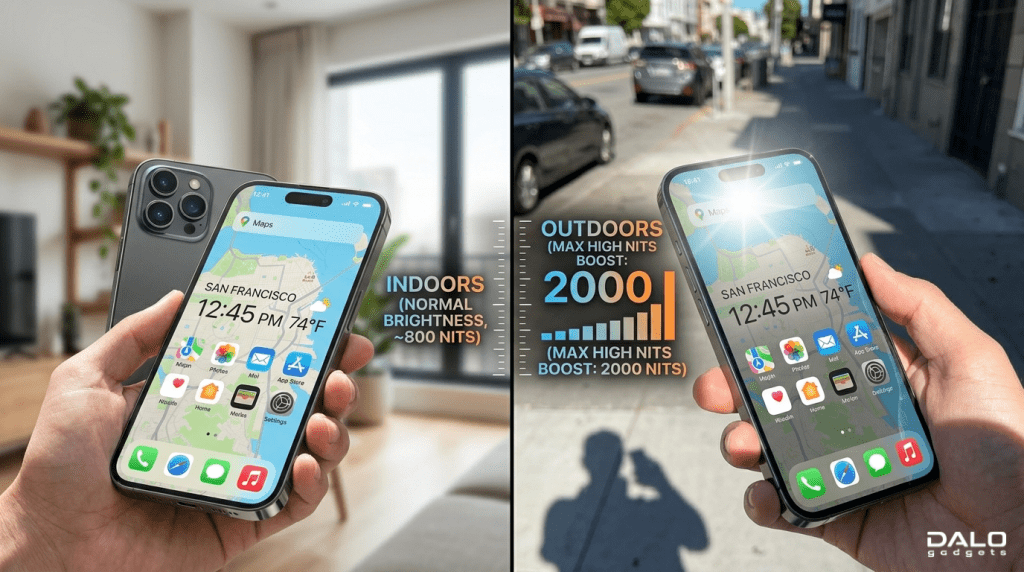
Brightness is measured in nits, which indicates how much light your screen emits.
- 1 nit = 1 candela per square meter
- Higher nits = better visibility in sunlight
Example:
- 400 nits = indoor use
- 1000+ nits = outdoor friendly
What is Refresh Rate (Hz)?
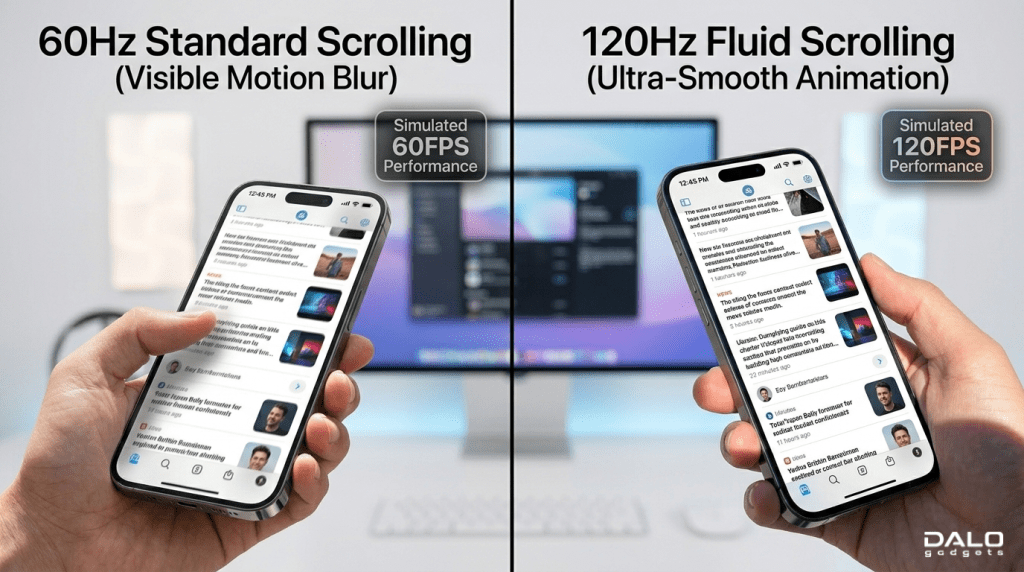
Refresh rate means how many times your screen updates per second.
- 60Hz = 60 updates/sec
- 120Hz = smoother scrolling
- 144Hz+ = gaming-focused
Higher Hz = smoother animations and less motion blur
Brightness (Nits) and Refresh Rate (Hz) History & Background
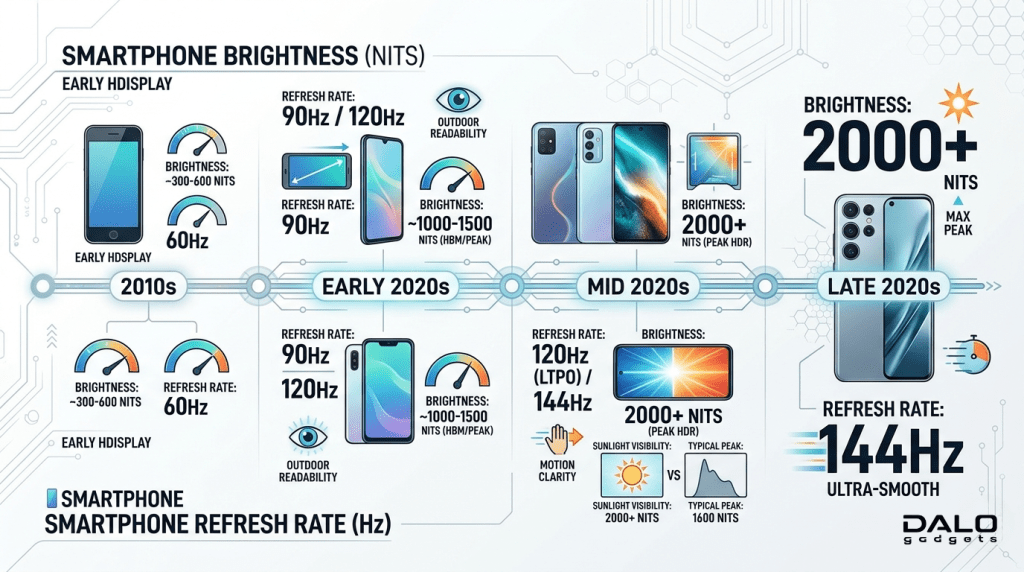
Evolution of Brightness
Early smartphones had around 200-300 nits, making outdoor usage difficult. With OLED and AMOLED technology, modern devices now reach 2000+ nits, improving visibility drastically.
Evolution of Refresh Rate
- Old displays: 60Hz standard
- Gaming phones introduced 90Hz – 120Hz – 144Hz
- Now even smartwatches feature 60Hz+ displays
Smoothness has become a premium feature
Brightness (Nits) and Refresh Rate (Hz) Types, Examples & Measurements
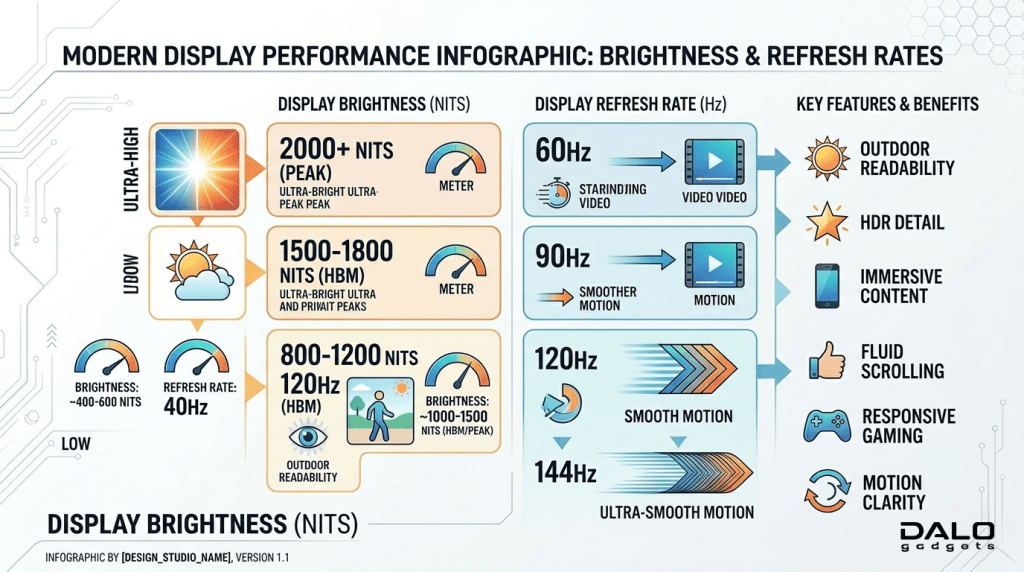
Brightness Levels in Devices
- Budget phones: 400-600 nits
- Mid-range: 700-1000 nits
- Flagships: 1200-2500 nits
Refresh Rate Types
- 60Hz – basic usage
- 90Hz – noticeable improvement
- 120Hz -premium smoothness
- Adaptive refresh rate saves battery
Brightness (Nits) and Refresh Rate (Hz) Top 5 Products
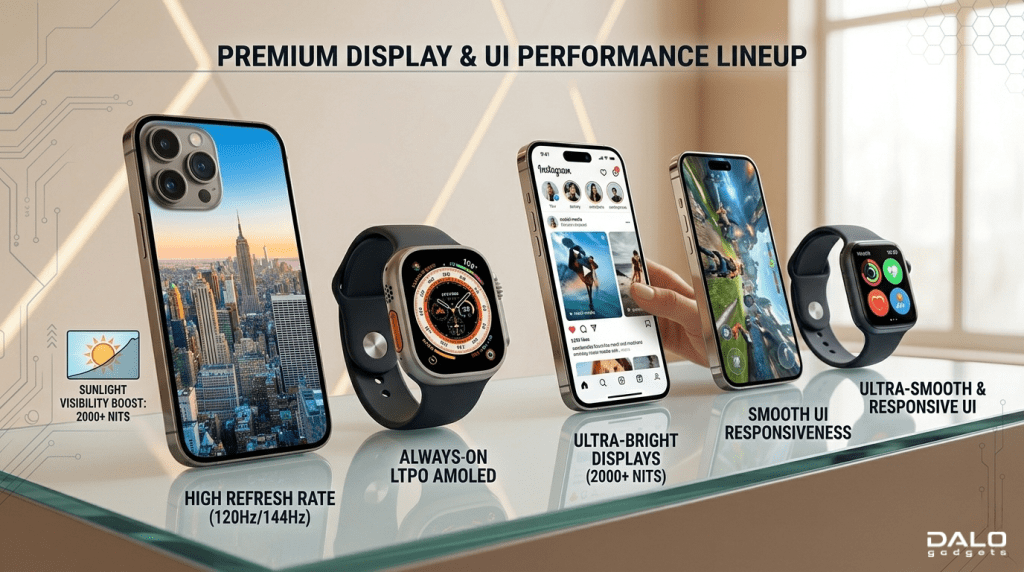
1. Apple iPhone 15 Pro
- Brightness: ~2000 nits
- Refresh Rate: 120Hz (ProMotion)
2. Samsung Galaxy S24 Ultra
- Brightness: ~2600 nits
- Refresh Rate: 120Hz adaptive
3. OnePlus 12
- Brightness: ~1600 nits
- Refresh Rate: 120Hz
4. Apple Watch Series 9
- Brightness: ~2000 nits
- Refresh Rate: ~60Hz
5. Samsung Galaxy Watch 6
- Brightness: ~1000 nits
- Smooth UI experience
Why Brightness (Nits) and Refresh Rate (Hz) Matter
Brightness Importance

- Essential for outdoor visibility
- Helps during sunlight usage
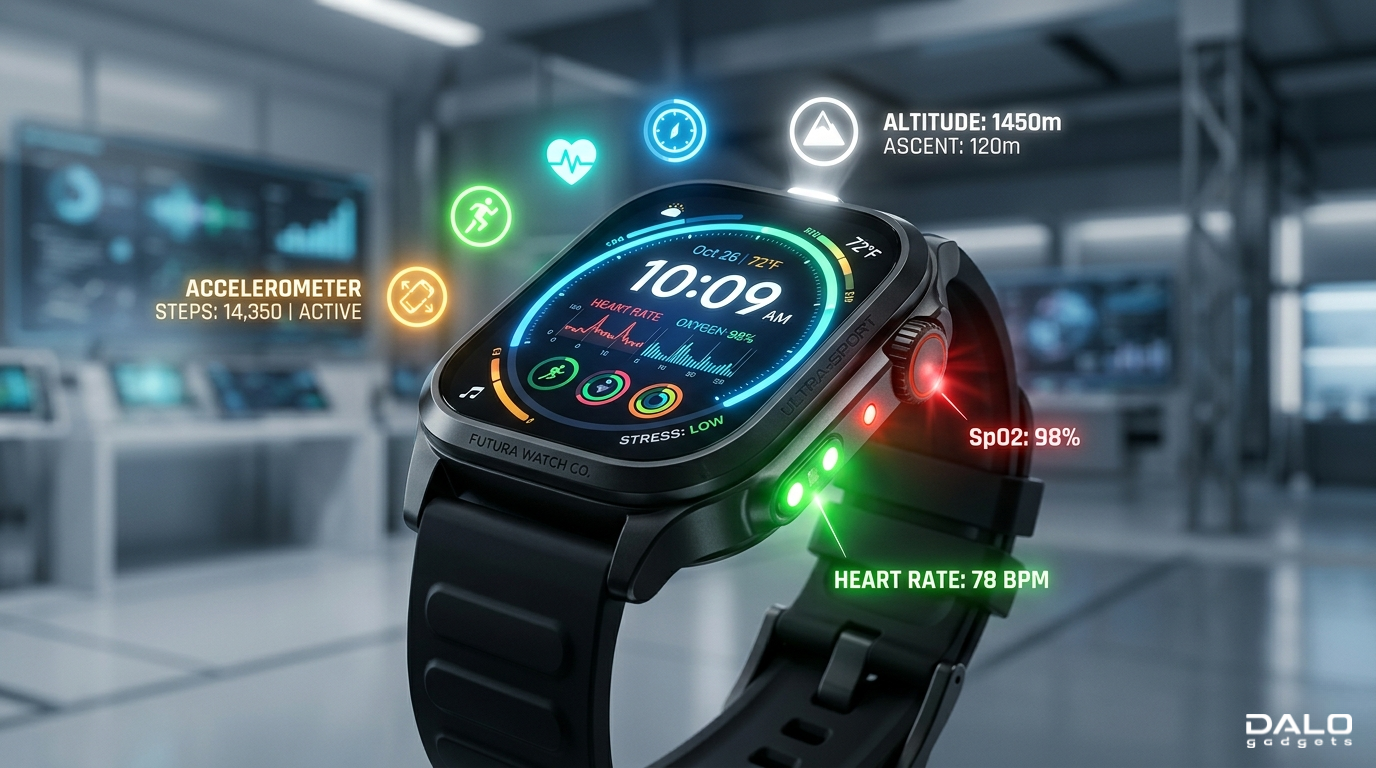
- Important for smartwatches (always-on display)
Without enough brightness, your screen becomes unusable outdoors.
Refresh Rate Importance
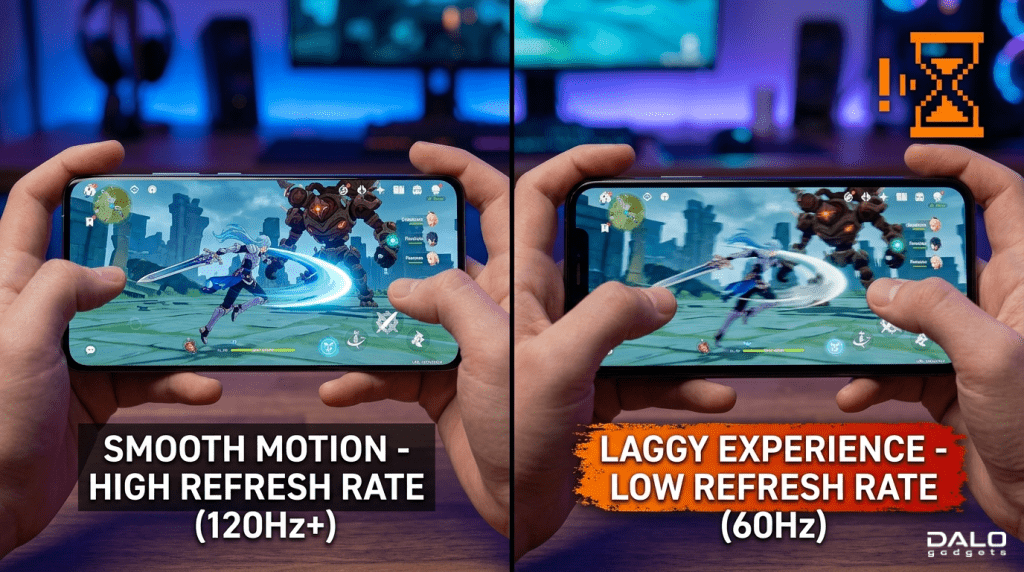
- Improves scrolling smoothness
- Enhances gaming experience
- Makes UI feel faster and premium
Once you use 120Hz, going back to 60Hz feels laggy.
Brightness vs Refresh Rate: Key Differences
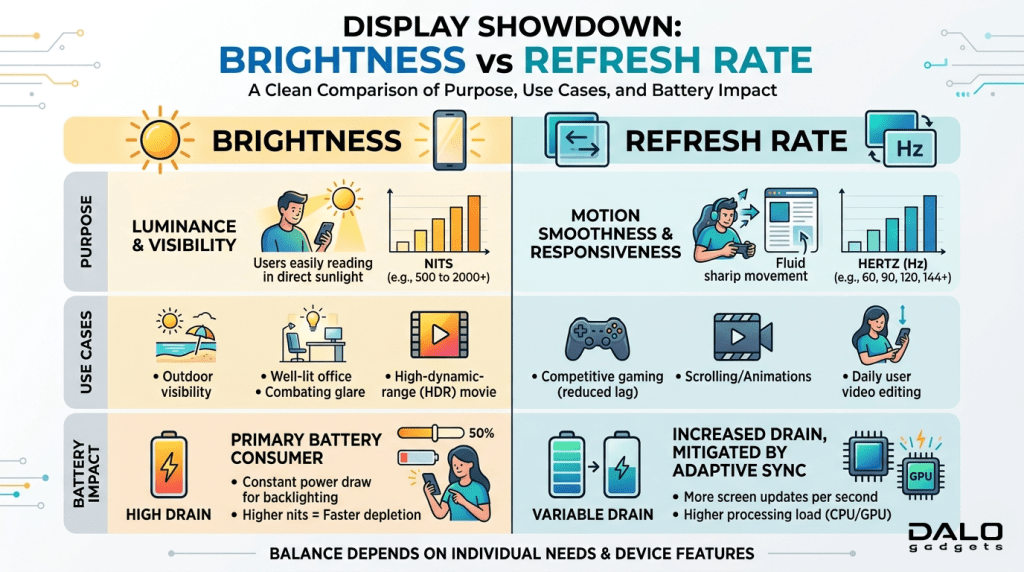
| Feature | Brightness (Nits) | Refresh Rate (Hz) |
| Purpose | Visibility | Smoothness |
| Use Case | Outdoor use | Gaming & scrolling |
| Impact | Eye comfort | Performance feel |
| Battery | Higher brightness = more drain | Higher Hz = more drain |
What You Must Know Before Buying
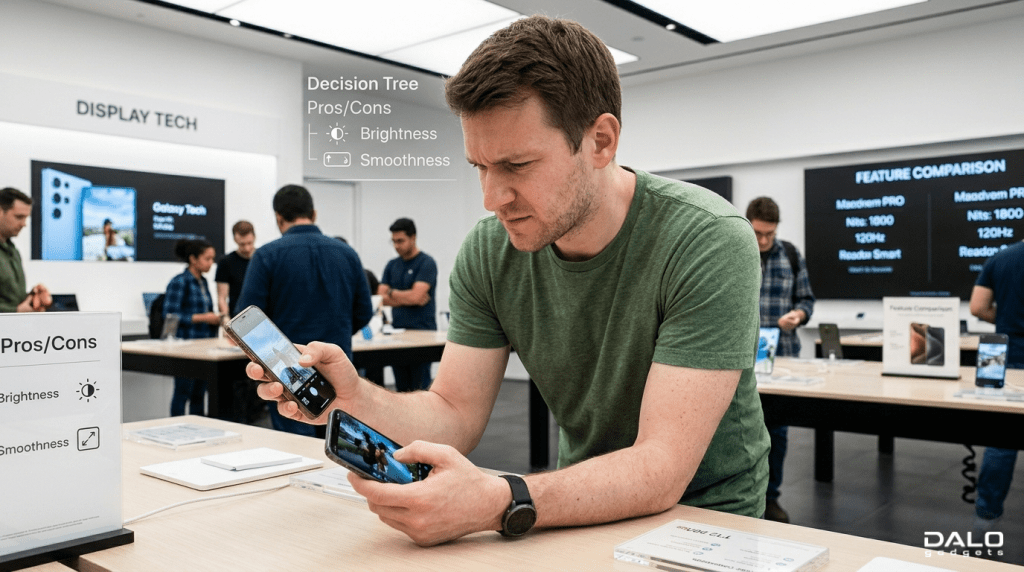
When to Prioritize Brightness
- You use your phone outdoors often
- You travel a lot
- You use smartwatch in sunlight
Choose 1000+ nits minimum
When to Prioritize Refresh Rate
- You play games
- You scroll social media a lot
- You want smooth animations
Choose 90Hz or 120Hz
What NOT to Do
- Don’t choose only high Hz if brightness is low
- Don’t ignore battery impact
- Don’t overpay for 144Hz if you don’t game
Buying Guide (Brightness (Nits) and Refresh Rate (Hz) Quick Checklist)
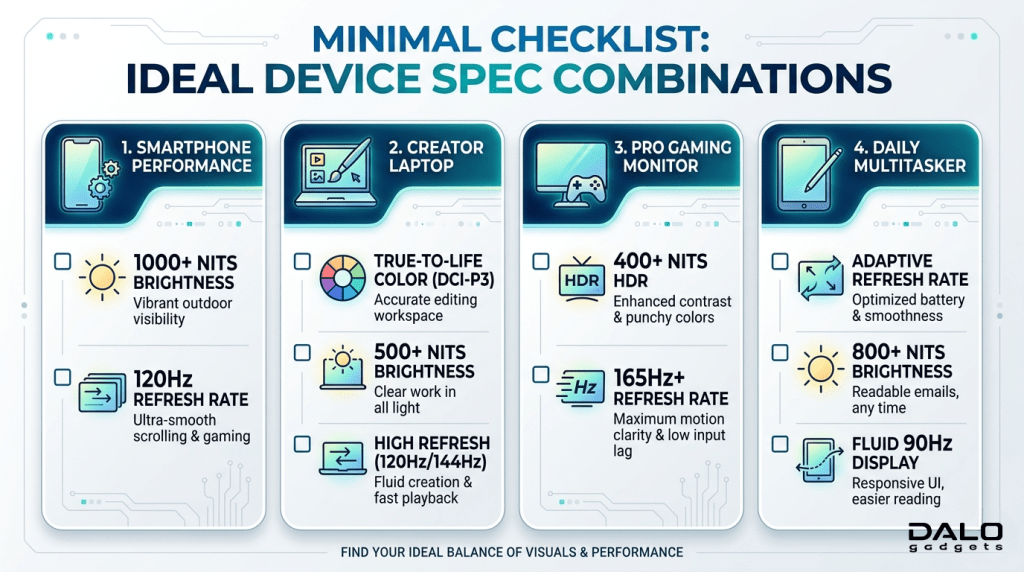
For general users:
- 800-1200 nits + 90Hz
For gamers:
- 1000+ nits + 120Hz
For smartwatch users:
- 1000+ nits more important than Hz
For premium users:
- 1500+ nits + adaptive 120Hz
Advantages & Disadvantages
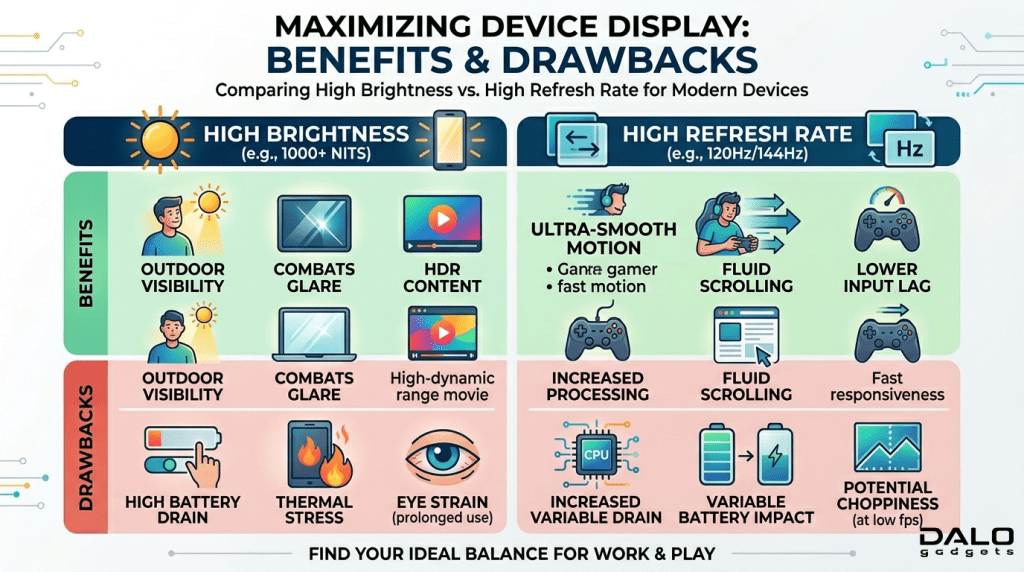
Brightness (Nits)
Advantages
- Better outdoor visibility
- Clear display in sunlight
- Improves readability
Disadvantages
- Drains battery faster
- Can cause eye strain at max levels
Refresh Rate (Hz)
Advantages
- Smooth scrolling
- Better gaming experience
- Premium feel
Disadvantages
- Higher battery consumption
- Not noticeable for basic users
Brightness (Nits) and Refresh Rate (Hz) Conclusion
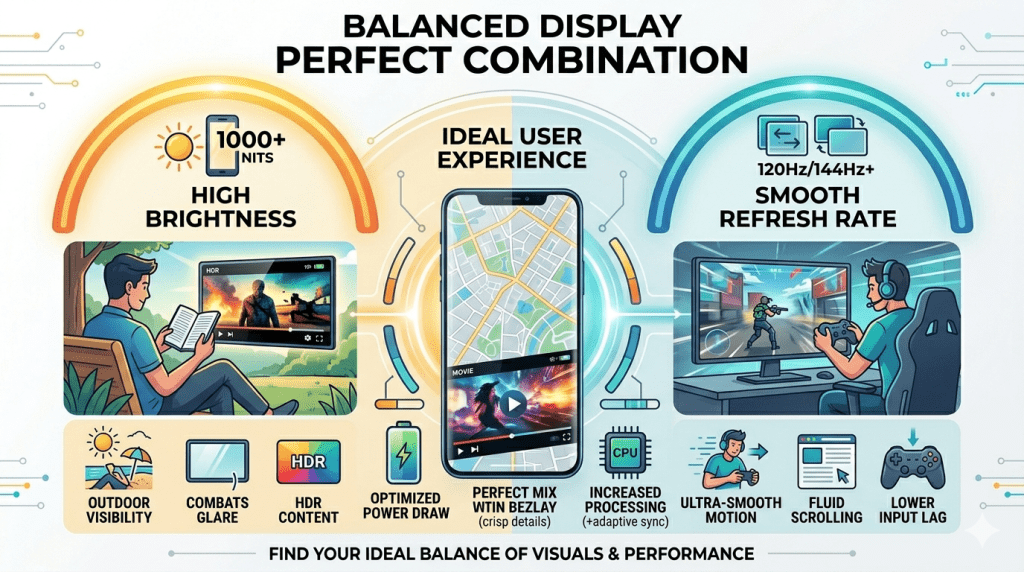
Brightness and refresh rate are both essential, but they serve different purposes.
- Brightness (nits) ensures you can actually see your screen
- Refresh rate (Hz) ensures everything feels smooth
If you had to choose:
- Outdoor users – prioritize brightness
- Gamers – prioritize refresh rate
- Balanced users – get both
The best devices today combine high brightness + adaptive refresh rate, giving you the best of both worlds.
Our Suggestion
If you’re buying in 2026, don’t fall for marketing numbers alone. A 144Hz display with poor brightness is useless outdoors, while a super bright screen with 60Hz feels outdated.
The smart choice? Balance both based on your usage.
FAQ
What is brightness in smartphones?
Brightness is the amount of light a screen produces, measured in nits.
What is the refresh rate in smartphones?
Refresh rate is how many times the screen updates per second, measured in Hz.
Which is more important: nits or Hz?
It depends on brightness for outdoor use and refresh rate for smooth performance.
Is 120Hz better than 60Hz?
Yes, it provides smoother scrolling and better visuals.
How many nits is good for outdoor use?
At least 1000 nits is recommended for clear sunlight visibility.